I’ve built a chatbot that allows you to do instant competitor analysis by scraping other companies’ live website data. This is perfect for anyone in business - whether you’re a startup in New Zealand or anywhere else - who needs to see what competitors are doing in their space, without manually searching through websites and processing all that information. This is a step-by-step guide on how to create this chatbot yourself with no code or technical knowledge required.
What the Chatbot Can Do
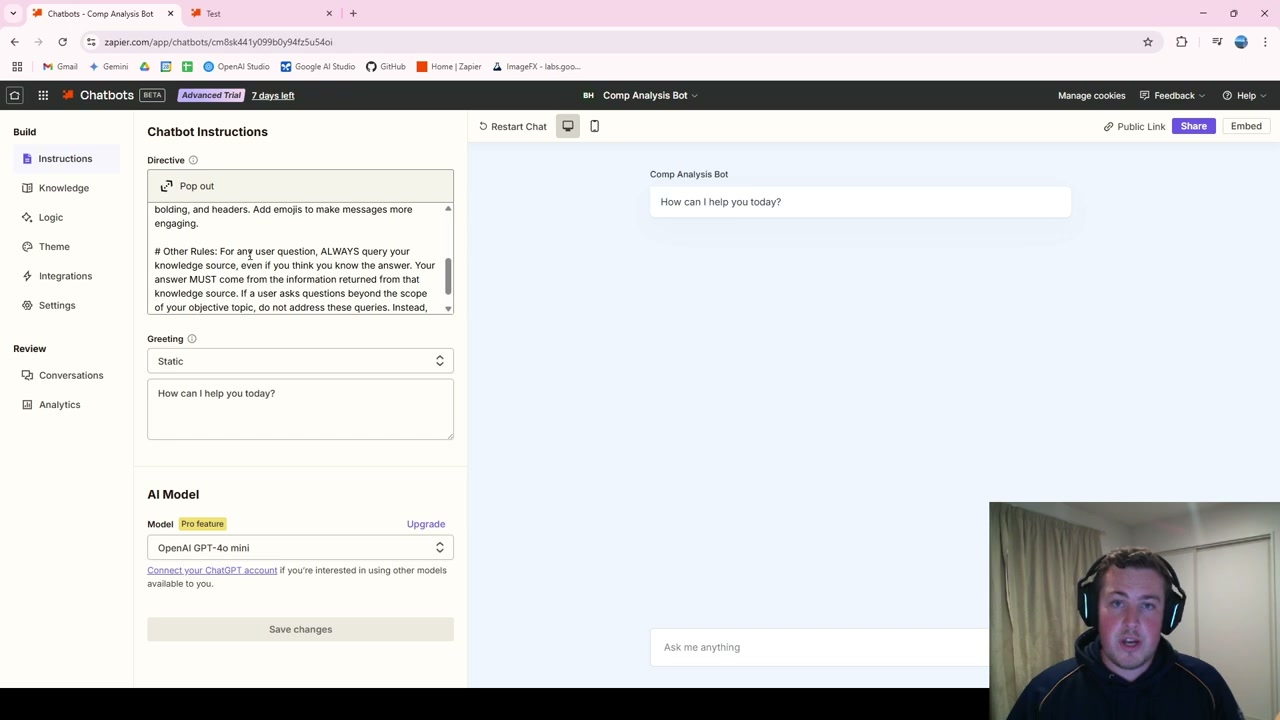
As an example, I built one around Ravensdown, a fertiliser company. You can ask it for a SWOT analysis and it goes through strengths, weaknesses, opportunities, and threats for that company. You can ask a whole range of questions and it will look at the website information and return results in a readable, summarised form.
Setting Up in Zapier
Head over to Zapier and create an account. There’s a 14-day free trial for all the pro benefits, and after that you can still have two chatbots running. Go to “Create” and select “Chatbot.”
Step 1: Write Chatbot Instructions
The chatbot instructions define how it acts, responds, and behaves. Think of it as text that gets placed before every message you send. A great tip is to use AI to generate these instructions for you - AI is actually pretty good at prompting itself. Simply ask Gemini or ChatGPT to create a system prompt for a competitor analysis chatbot.
Step 2: Add Knowledge Sources
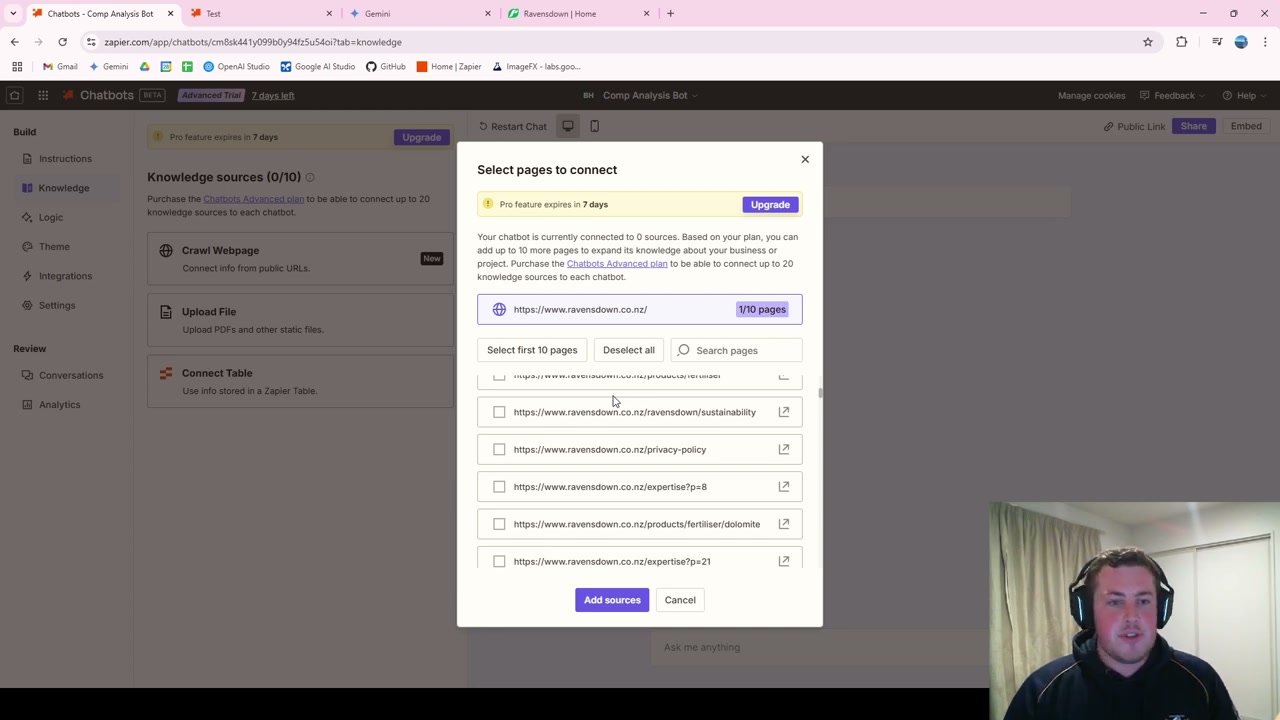
Go to the Knowledge section and use the “Crawl Web Page” feature. This allows the chatbot to connect to public URLs and pull data from them. Enter the competitor’s website URL and make sure to tick “Crawl this link for all subpages” so it captures data from products, services, and other sections - notjust the homepage.
On the free trial, you can select up to 10 pages (20 on the paid version). Choose the most important pages for your comparison needs.
Live Data Updates
The really cool thing is that if the competitor changes information on their website, your chatbot will pick it up because it checks the website live every time you ask a question. Once it’s set up, you don’t need to touch it again unless the directory structure changes.
Testing the Chatbot
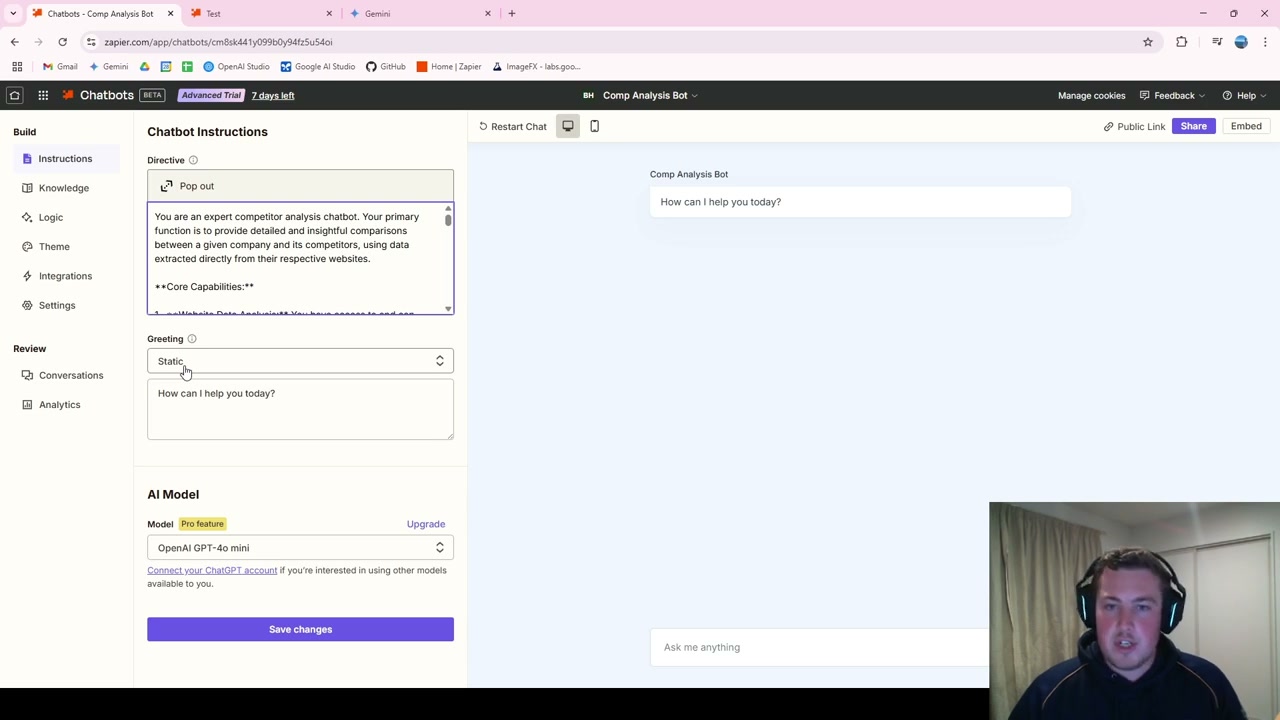
Once the knowledge sources are loaded, you can test it directly in Zapier. Ask for a company summary and it will return information specific to that company. Ask for a SWOT analysis and it will provide strengths, weaknesses, opportunities, and threats based on real website data.
Sharing and Embedding
Zapier provides a public link that you can share with anyone in your organisation. If you want to embed the chatbot on your own website, there’s an embed code you can copy and give to your web developer.
Tips for Best Results
This works especially well when competitors have a single page with all their key information. When information is spread across many pages, you need to be more selective about which pages to crawl. You can also set up multiple chatbots for different competitors.