What if you could message an AI agent from WhatsApp and it actually does work for you? Well, that’s what OpenClaw is. It’s free, it’s open source, and it’s absolutely blowing up on the internet right now.
Let’s talk about what it actually is, if your business should be using it, and more importantly, the security stuff behind the scenes before going anywhere near it.
Why Is OpenClaw Such a Big Deal?
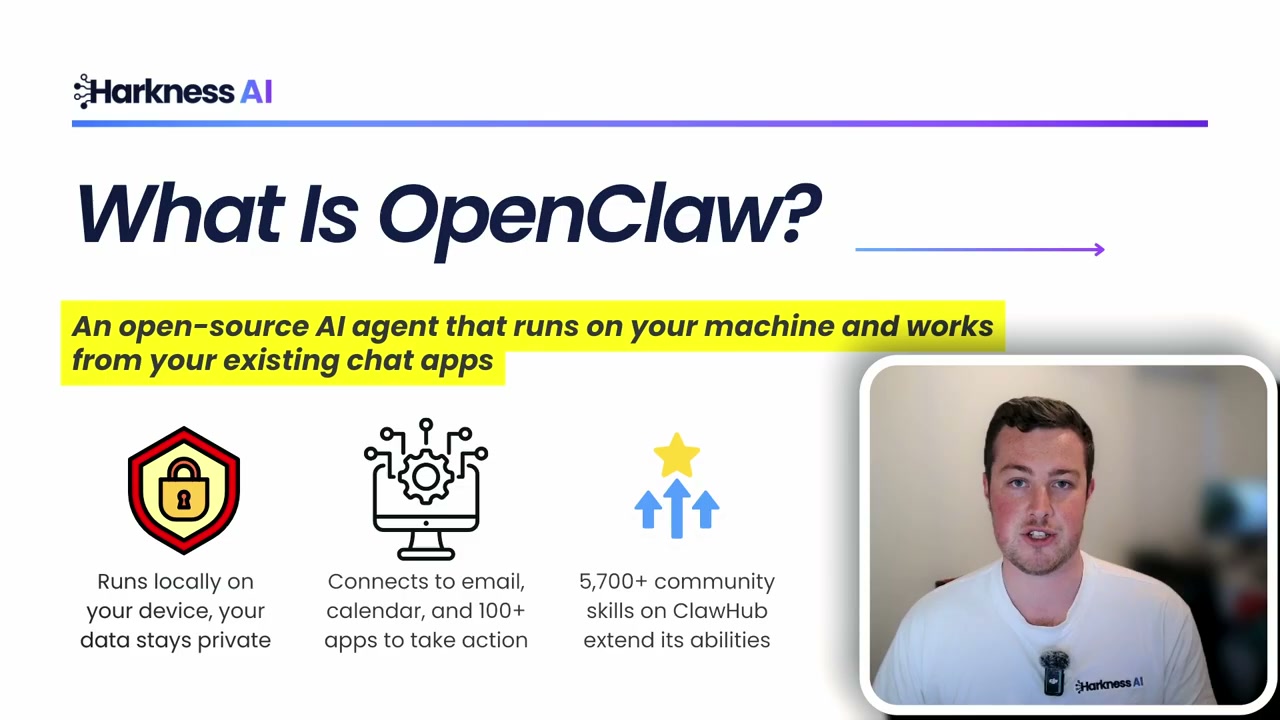
There are thousands of different AI models coming out from different providers. So why is this one so important? It comes down to understanding the limitations of traditional AI tools.
When you go into something like ChatGPT, yes, you can connect it to some other software, but often you end up copying and pasting information in and out of the system. You quickly become the limitation on providing the AI model enough context about yourself and your business to do a really good job. And the output is pretty much limited to just text or image.
What Makes OpenClaw Different
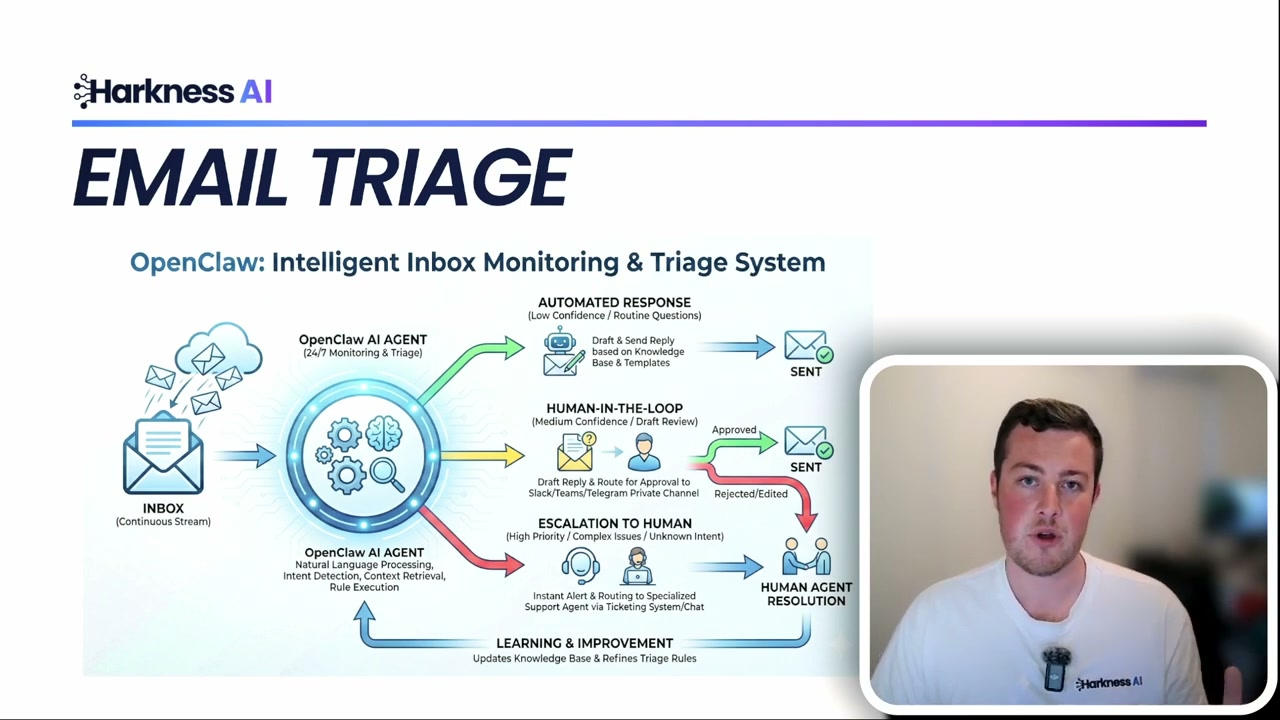
OpenClaw can either run locally on your computer or up in a cloud server. It can have full access to all of your different software systems and your own desktop - it can edit files, delete them, create them, go into your customer management software, add new logs, email people, and do pretty much everything you can do on a computer, all autonomously.
So you don’t just have text answers back - you actually have it doing actions on your behalf.
Communication Integrations
It can connect to WhatsApp or Slack and send messages on your behalf. Or those could be the way you communicate with it - flick it a message on Slack like it was a team member, and it goes off and does the task.
Calendar and Scheduling
It can manage your calendar, schedule meetings based on availability, send invites, handle rescheduling - all without you lifting a finger.
Computer Use
One of the most powerful features is full computer control. It can click buttons, navigate apps, fill in forms, and interact with software that doesn’t have an API. This is especially useful for legacy systems or apps that don’t integrate with anything else.
Real Business Use Cases
Lead Management
OpenClaw could be hooked up to your website. When a new enquiry comes in, it reads the enquiry, enriches the lead by researching the company and key people on LinkedIn, drafts a personalised email, saves a summary into your CRM, and assigns the lead to the right salesperson - all in one go.
Content Research
You could have it trawl through news articles, subreddits, Discord, and other sources to find different bits of information and compile them together. It might suggest a YouTube script or a LinkedIn post topic.
Data Reporting
Hook it up to your website analytics and get almost daily or weekly reports. It can see how users are progressing through the page and suggest improvements. It could even alert you when errors occur and suggest potential fixes.
How to Actually Set It Up
There are two ways to run OpenClaw. You can run it locally on your own hardware, which gives you full control and keeps everything on your machine. Or you can use a cloud provider to spin up your own virtual computer in the cloud and run OpenClaw through that with your own permissions.
Security: The Most Important Part
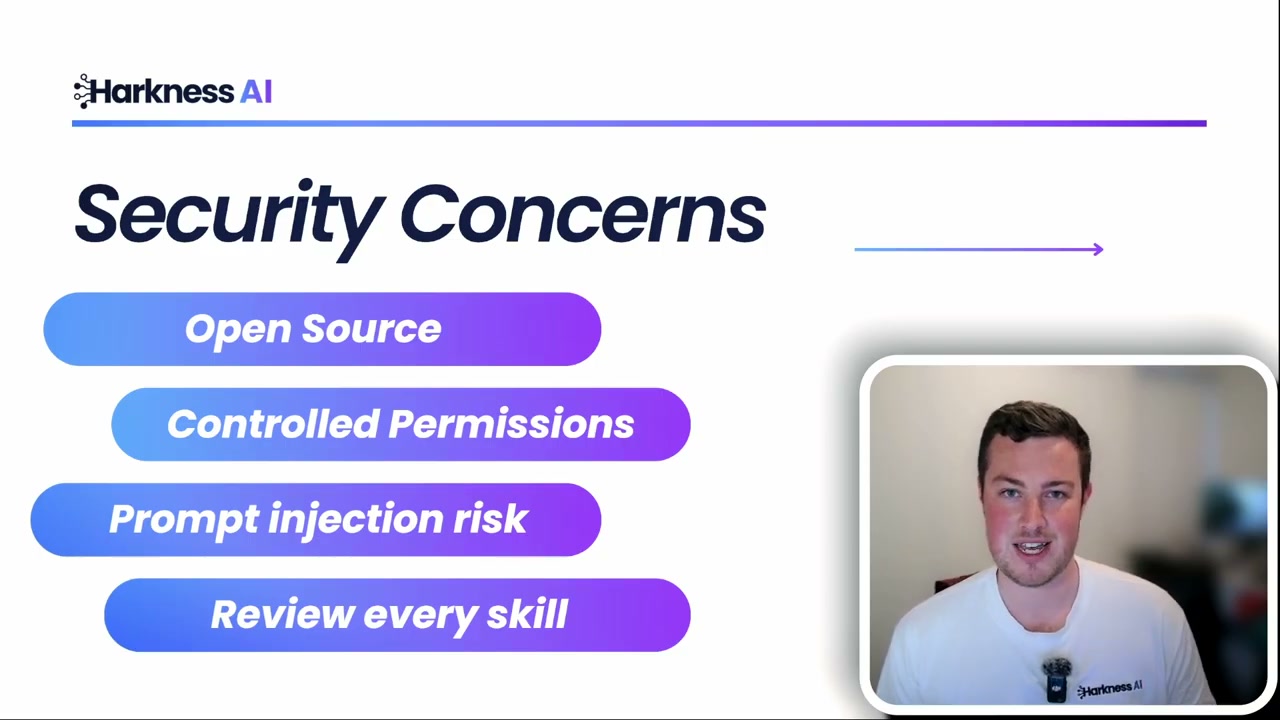
The benefit of OpenClaw being fully open source is that anyone can inspect the codebase for malicious intent, and you can run it completely locally on your own hardware without any external connection.
Key security considerations:
- Controlled permissions: Be very careful about what you give it access to - your software, logins, API keys, and files.
- Human-in-the-loop: Keep a human review step, especially early on, before it takes major actions.
- Malicious skills: Be cautious with community-shared “skills” - some have been found to contain malicious code that could pass on your information to others.