If I could only recommend one AI tool to every business in New Zealand, it would be Claude, made by Anthropic. After working with dozens of businesses across New Zealand on their AI implementation, I can confidently say it is far better than ChatGPT or Copilot for most business use cases. Here’s exactly why Claude stands out and the key features that will help you run your business more efficiently.
What Is Claude?
Claude is an AI assistant similar to ChatGPT or Copilot, but people who use AI extensively tend to choose Claude over those other tools. The team behind Claude originally came from OpenAI - the company behind ChatGPT - but their mission was to make AI not only smart, but safe, reliable, and genuinely usable.
When I first gave Claude a try, I was genuinely surprised by the quality of responses. They were much better than I expected - notjust well-written, but really accurate to what I was asking. Once I started exploring the additional tools and features, I was hooked.
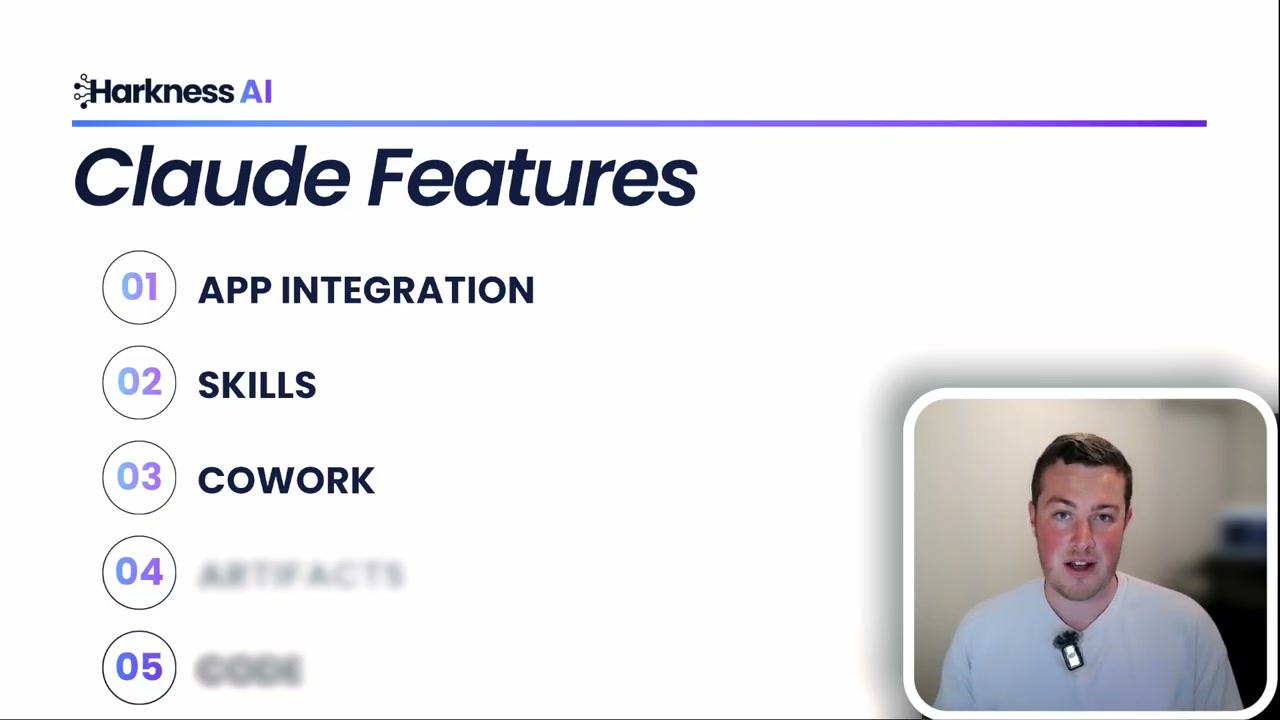
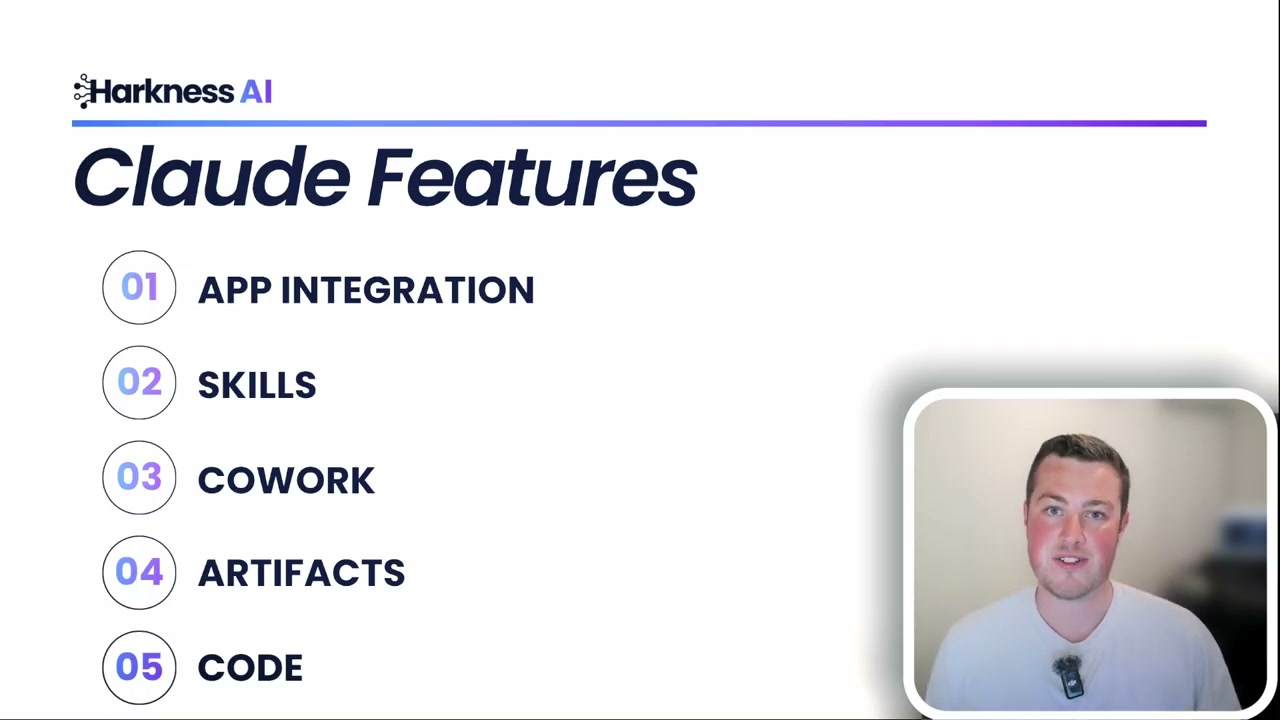
1. App Integrations - Context Is Everything
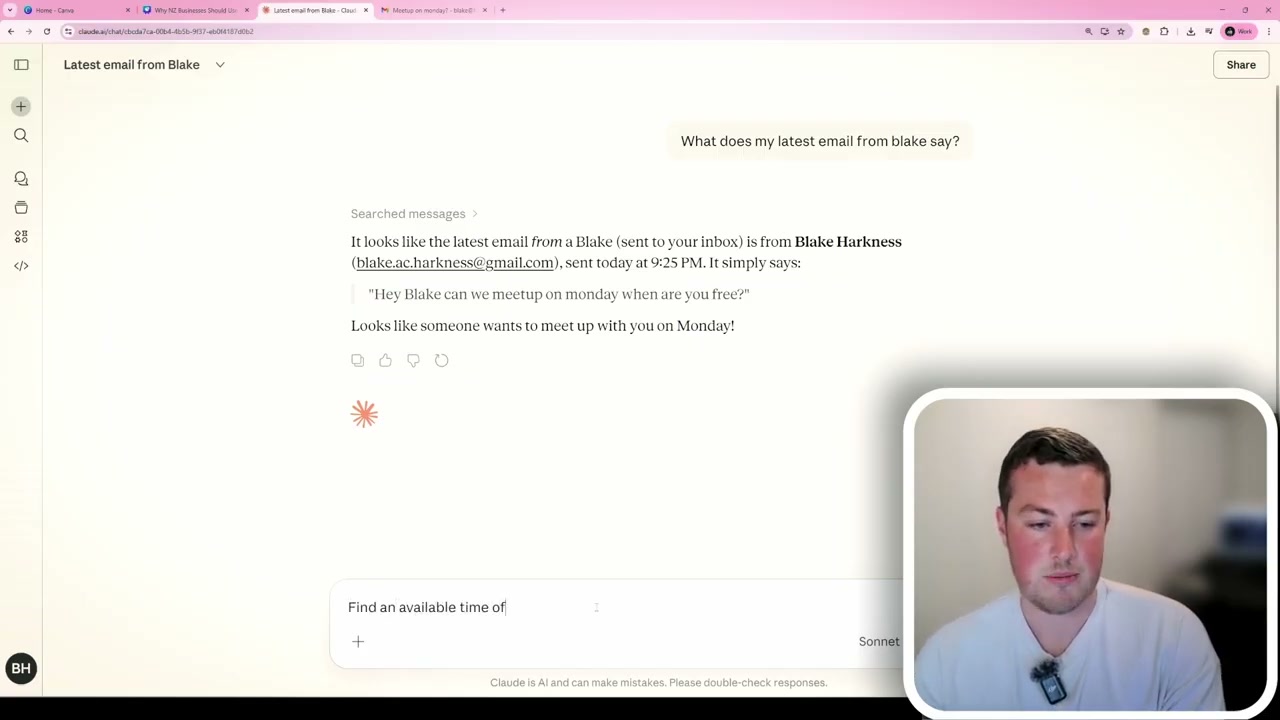
AI is a “garbage in, garbage out” system. If it doesn’t know much about you or your business, the outputs will be generic and basic. What makes Claude special is that you can integrate it directly into your email, your Xero account for billing, Notion, or whatever CRM and document management system you use. It connects to all of that information safely and securely.
When you go into the Claude interface and open the connectors panel, you’ll see options for Google Drive, Calendar, Gmail, Notion, and many more. You can browse a huge range of connectors that you may already be using in your business - even platforms like HubSpot.
Here’s what this looks like in practice:
- Ask Claude to find and summarise your latest unread emails
- Have it prioritise which messages need a response
- Ask it to check your Google Calendar for availability and draft a reply
- Search for clients in your CRM or look through meeting transcripts stored in Drive
The possibilities are endless once you connect Claude to the tools you use daily. Instead of switching between five different apps, you can have one assistant that understands your entire workflow.
2. Skills - Teach Claude How You Work
If you’ve used ChatGPT or Copilot, you’ll be familiar with custom GPTs or agents where you give an AI model a set of instructions to follow. The problem with those is that you’re constantly copying and pasting information in and out of different agents as you go along.
Claude’s skills feature takes a different approach. One model can pick the skills it needs within a single chat - no more bouncing between separate agents. You can simply ask Claude to help you create a skill, for example, “Help me create a skill for responding to customer emails.”
Claude will ask you a few questions to craft the skill: What type of emails is it for? What tone should it use? You can paste in examples of your writing style, the words you like to use, and the ones you don’t. Once complete, a skill file is generated that you can review and refine.
The key takeaway here is that the more information you provide, the better the outputs become. I have skills set up for nearly everything in my business:
- Proposal generation
- Email responses
- Document writing
- Brand guidelines
Anything you do repeatedly in your business can be converted into a skill and taught to Claude.
3. Claude Co-work - Let It Work With Your Files
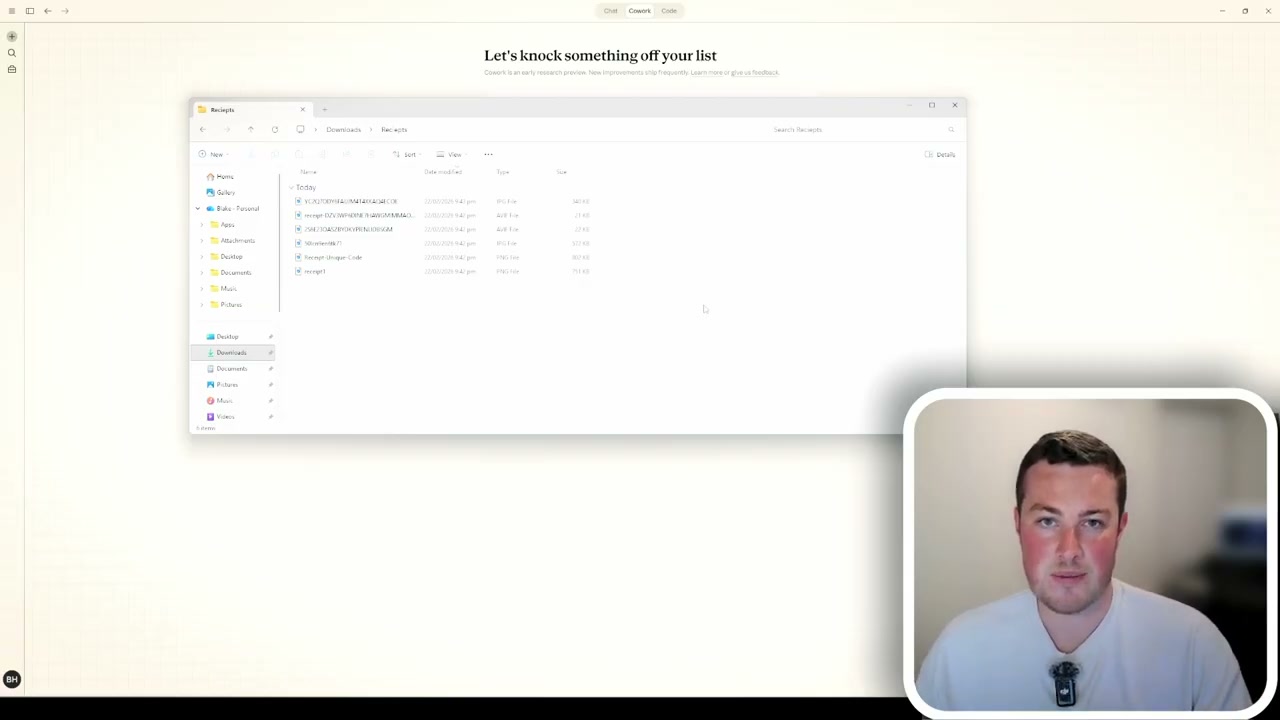
Claude Co-work is a relatively new feature that allows Claude to access a folder on your computer and work with all the files inside - whether they’re Word documents, Excel spreadsheets, presentations, or PDFs. It can read them, understand them, and create new files or edit existing ones.
Two use cases I’ve found particularly valuable:
- Generating presentations: Give it a folder full of PDFs, Excel documents, and Word files, and it can compile all that information into a PowerPoint format.
- Comparing documents: Perfect for reviewing insurance policies, quotes, or any scenario where you need to compare large amounts of information quickly.
Another brilliant use case that many businesses love is processing invoices and receipts. If you have a messy folder of receipt images, Claude Co-work can go through every single one, extract the relevant information - date, vendor, category, description, subtotal, GST - and put it all into a clean spreadsheet ready for your accounting software.
Importantly, if a receipt doesn’t show certain information, Claude clearly states “N/A” rather than making something up. You can upload hundreds of receipts and let it work through them while you spend your time on something more valuable.
4. Artifacts - Build Mini Apps With Natural Language
Claude Artifacts is the ability to create interactive applications inside of Claude using nothing but natural language. Businesses are using this to generate interactive dashboards from their data, induction documentation, and even full websites.
As an example, I asked Claude to build an AI ROI calculator for New Zealand businesses. Users can enter their hourly rate, number of employees, and estimated time saved per week - and it calculates the annual savings on the spot. With 20 employees at $70/hour each saving two hours per week, that comes to $145,000 in annual savings.
The beauty of artifacts is that you can publish and share them with your team. Instead of relying on a mess of Excel spreadsheets and Word documents, you can generate purpose-built mini apps that are interactive and easy to use.
5. Claude Code - AI-Powered Software Development
For anyone doing software or web development, Claude Code is a game changer. It can handle the vast majority of coding tasks for you. In my own business, 100% of the code I develop is now AI-generated, and many other companies are heading in the same direction. I was speaking to someone from Google recently who mentioned that roughly 80% of their new code is now generated through AI with human review in the loop.
What makes Claude Code especially powerful is its ability to integrate with your backend database, hosting platforms, and even control a browser to test the functionality of what it builds. If there are errors, it can go back and fix them autonomously.
Why Claude Is the Top Pick for NZ Businesses
Overall, Claude is my number one recommendation for every business in New Zealand looking to adopt AI. The native integrations into all of your existing systems make it a no-brainer, and the additional features - skills, co-work, artifacts, and code - put it well ahead of the competition.
If you’re a business owner unsure about your next step with AI, feel free to reach out for a free chat. I’m Blake, an AI engineer helping businesses across New Zealand with their AI transformation, and I’d love to help you get started.
If you’d rather someone set this up alongside your team, that’s the work I do - here’s how I help NZ businesses. If you’d rather learn it yourself, there’s hands-on Claude training in New Zealand.