If you run a business in New Zealand and you’re unsure where to start with AI, this article is for you. After working with businesses all across New Zealand on AI implementation, I see the same questions, mistakes, and confusion around AI every single day. This guide is designed to give you a solid baseline understanding of what generative AI actually is and how it can impact your business.
What Actually Is Generative AI?
It’s important to make a clear distinction here: when we talk about AI today, we’re almost exclusively referring to generative AI. Traditional AI has been around for ages - the text prediction on your phone, Netflix recommendations, machine learning for forecasting. These are all well-established technologies.
Generative AI, like ChatGPT, is something different. At its core, it’s pattern recognition. These models have been trained on enormous amounts of information from across the internet, learning how emails are written, how questions are answered, and how language works. When you type a question, all the model is doing is predicting the next word in the sequence until it provides you with a full answer.
This generation isn’t limited to text, either. These tools can also produce images, music, and video. The way I like to think about it is that generative AI is essentially a smart intern. If you hire someone fresh out of university, they think they know a lot, but they actually don’t know much about your specific business, your clients, or what you’re trying to achieve. AI is much the same - it needs good context, clear instructions, and fact-checking before you trust its output.
The Three Categories of AI Tools You Need to Know
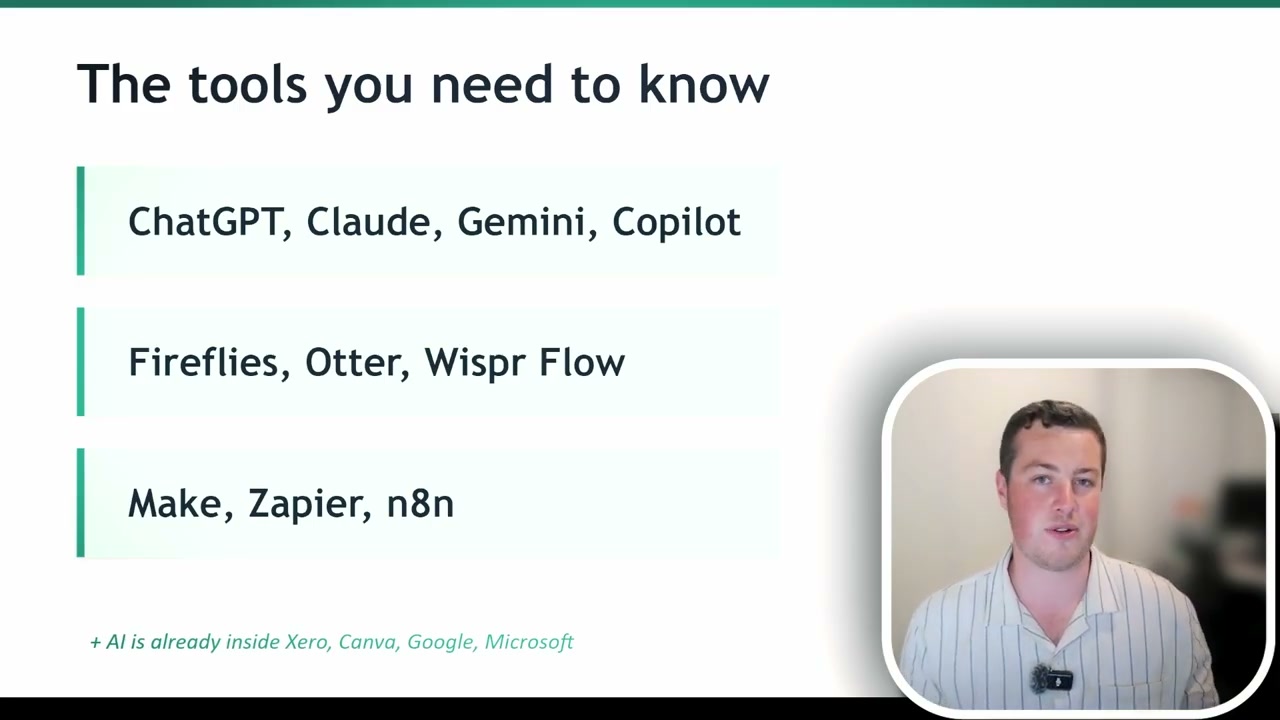
1. AI Chatbots: ChatGPT, Claude, Gemini, and Copilot
These are the conversational AI tools that most people think of. You can chat with them via text or voice, connect them to your company information and standard operating procedures, and use them for writing emails, brainstorming, research, and much more.
There are four major players, and the best choice depends entirely on your business environment:
- Microsoft Copilot - If your business lives in the Microsoft ecosystem (SharePoint, Outlook, Teams), Copilot is the natural fit.
- Google Gemini - If you’re running on Google Workspace, Gemini integrates seamlessly.
- ChatGPT - The most popular option with nearly 900 million weekly users globally. A strong general-purpose choice.
- Claude - Particularly popular among developers and more technical AI users. Can connect to both Microsoft and Google systems.
2. Meeting Notetakers
Humans are far better at communicating through voice than through text or email - that’s why we sit down in meetings or jump on Zoom calls for anything important. AI is exceptionally good at listening to and transcribing these conversations.
Tools like Fireflies, Otter, and Whisper Flow (as well as built-in features in Copilot and Gemini) can run in the background during any meeting. At the end, you get a full transcription, a summary overview, and key action items. If you need to reference something from a previous conversation, you can simply ask the AI and it will find the answer for you - no manual note-taking required.
3. Automation Tools
Platforms like Make, Zapier, n8n, and Power Automate (for Microsoft environments) allow you to automate repetitive tasks within your business. While these aren’t inherently AI tools, adding AI into these workflows makes them significantly more powerful.
A great example is customer service automation: if basic information queries come in by email, you can set up an automation that uses AI to search your company knowledge base and respond immediately with an accurate answer.
Where AI Excels
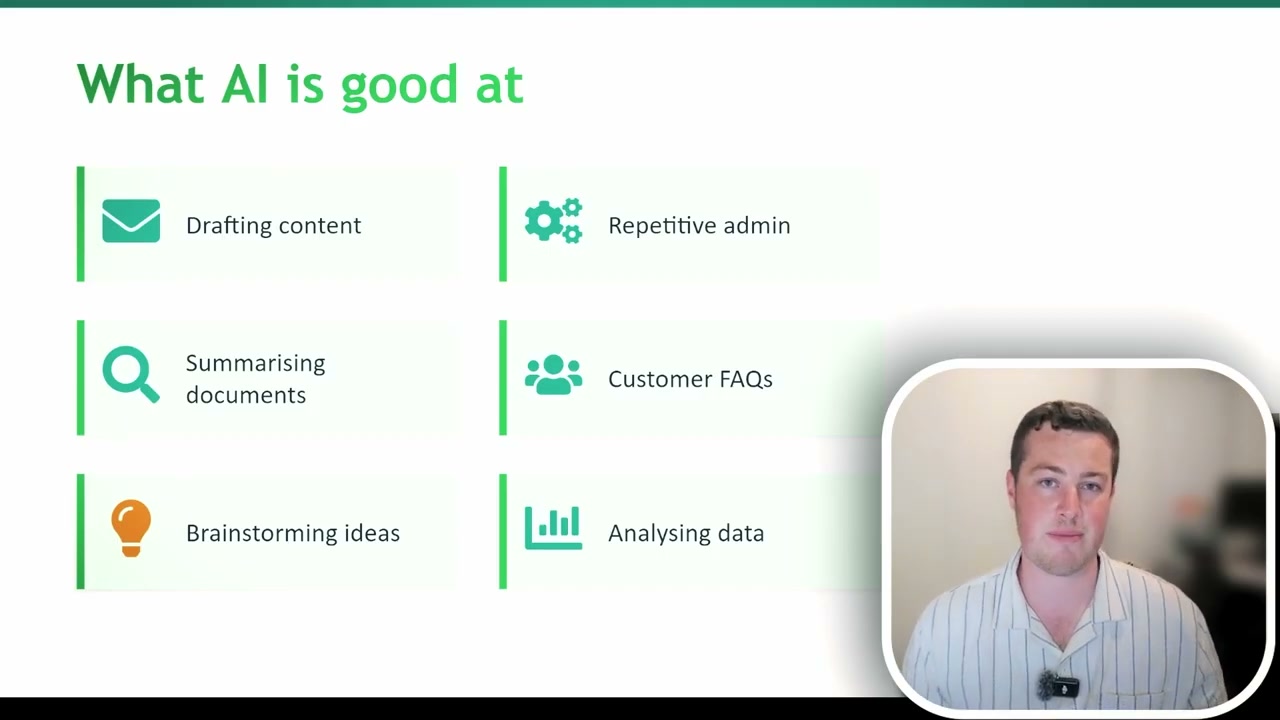
AI is particularly strong in several key areas:
- First drafts - Drafting emails, reports, and documents. It can even take a grumpy email you’ve written and make it sound professional.
- Repetitive admin work - Reading through reports, copying data between systems, and other tedious tasks.
- Summarising documents - Condensing lengthy materials into actionable summaries.
- Customer FAQs - Answering common questions quickly and consistently.
- Brainstorming - Exploring options for business problems, researching software solutions, and generating ideas.
- Data analysis - Interpreting sales reports and identifying key insights and actions.
Where AI Falls Short
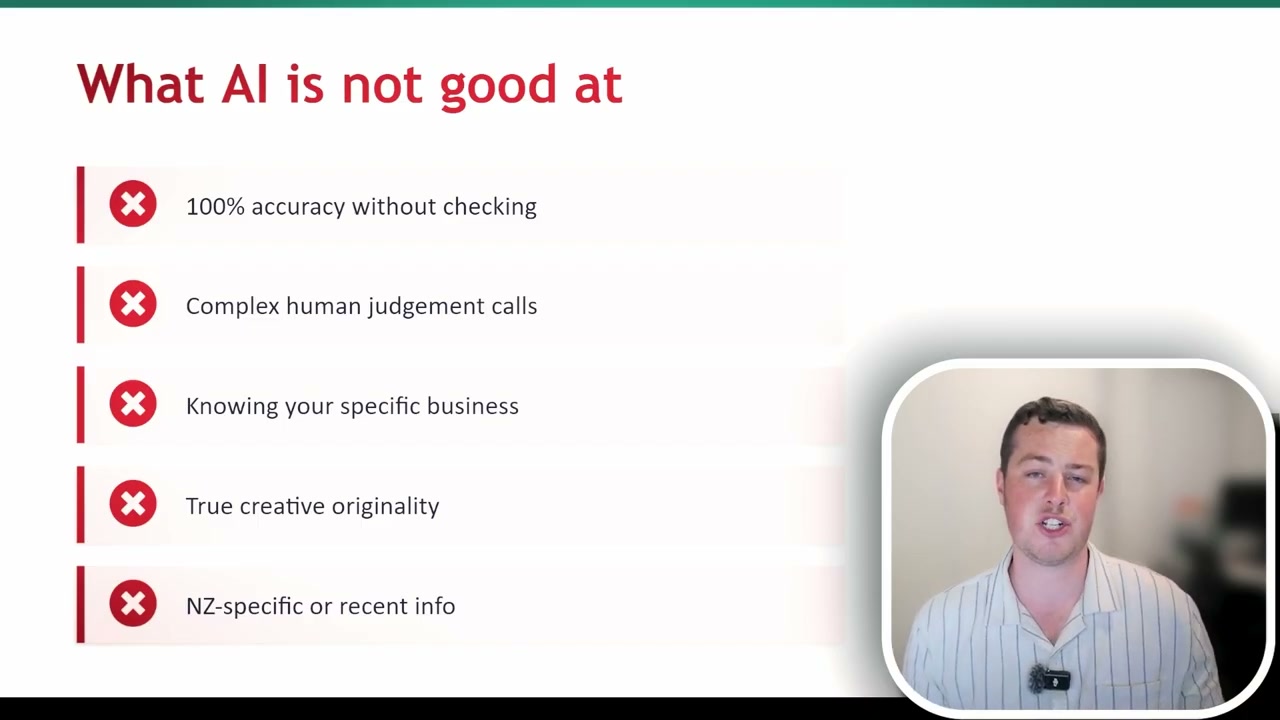
AI is not a magical black box that solves all your business problems. There are important limitations to understand:
- Garbage in, garbage out - You need to provide good context and clear instructions. Poor inputs produce poor outputs.
- It can be confidently wrong - AI will sometimes fabricate information with total confidence. You must always fact-check before passing anything on.
- Complex human judgement - AI should inform decisions, not make them. The final call should always remain with humans.
- Knowing your specific business - A generic AI tool knows nothing about you. Paid plans allow you to train it on your information in a secure environment, which helps overcome this.
- Truly creative content - Because it’s trained on vast amounts of internet data, AI outputs tend towards the average. Without very specific prompting, you won’t get standout creative work.
- NZ-specific context - This has been improving, but because so much training data is American, New Zealand-specific knowledge can be hit or miss.
The 0% to 90% Rule
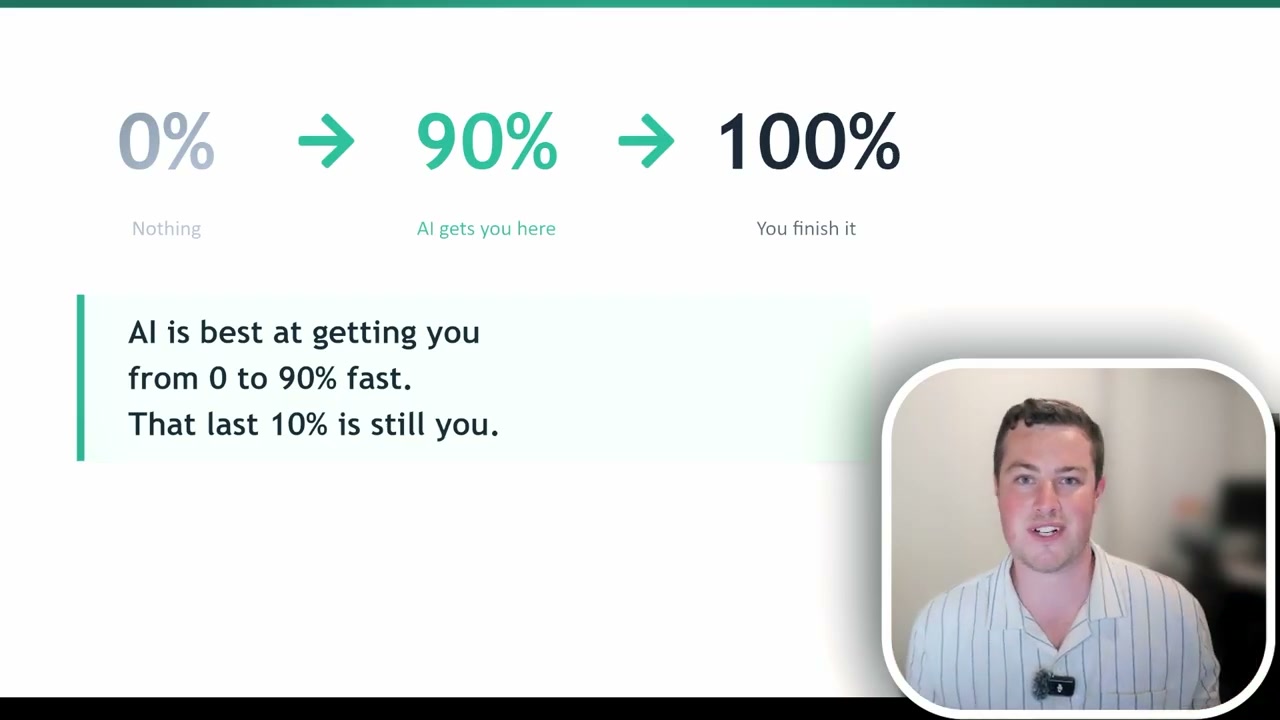
AI is best at getting you from 0% to 90%. That final 10% is where your human input goes. If you’re drafting an email or a report, AI can get you most of the way there. You then go through, fact-check it, adjust the wording, and bring it to a finished product. Expecting AI to deliver 100% every time is unrealistic.
But consider this: if a task normally takes you 10 minutes and you do it multiple times a day, and AI reduces that to just one minute of review and refinement, that represents a massive ROI for your business.
Security: The Non-Negotiable
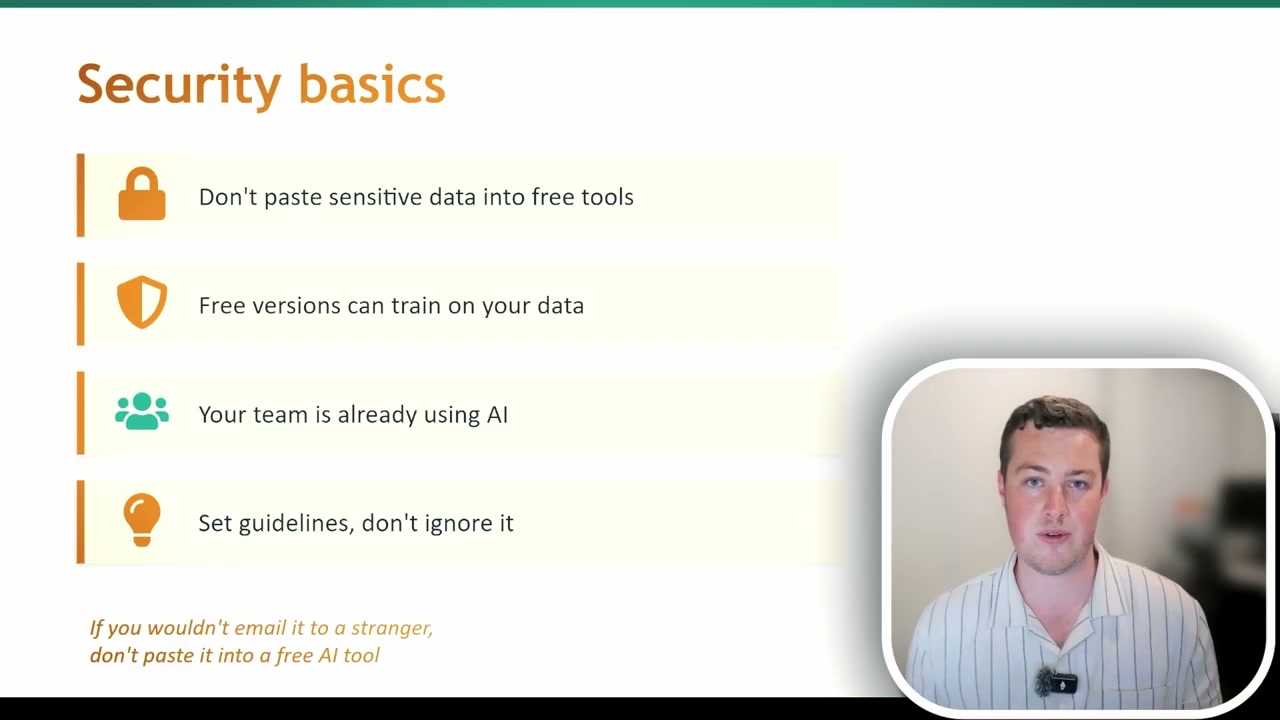
Security is a critical consideration when adopting AI tools. Because these models have been trained on vast amounts of internet data, they’re always hungry for more information to improve. With free AI tools, any company documents, policies, or contracts you upload could potentially be used for training - meaning that information could surface in someone else’s query.
The golden rule: do not put company information into any free tool. If it’s free, you are the product.
Here’s something many business owners don’t realise: your team is already using AI. Even if you don’t have a licence or an AI policy in place, staff members will find ways to do their jobs faster. They’re using free tools without you knowing, and that’s a security risk. This is why education is so important - just as you train staff not to click suspicious email links, you need to train them not to upload company information to free AI tools.
What’s Worth Paying For (and What Isn’t)
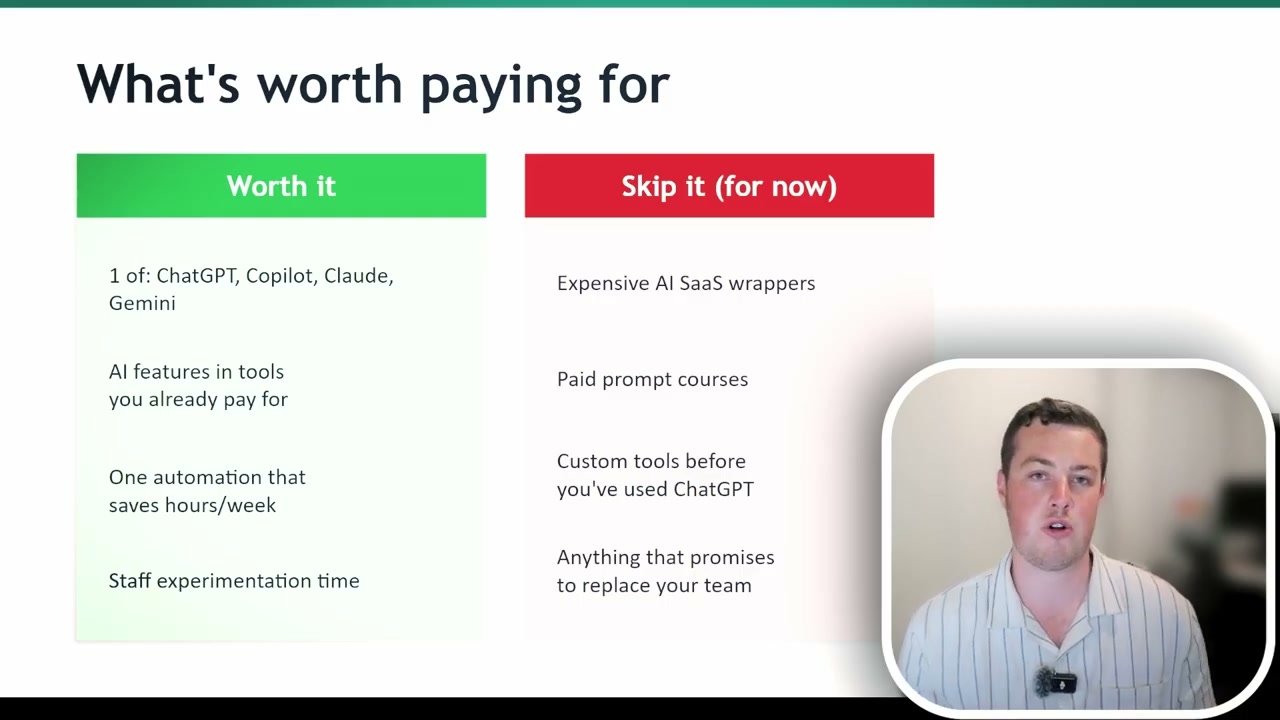
Worth the investment:
- A paid AI chatbot - Choose one that fits your ecosystem (Copilot for Microsoft, Gemini for Google, or Claude/ChatGPT for flexibility).
- AI features in existing software - Many tools you already pay for are adding AI capabilities. For example, Xero now uses AI for account reconciliation.
- Small automations - Quick wins that save time and build momentum for broader AI adoption.
- Staff experimentation time - Give your team an hour a week to explore AI tools on a paid plan. This has proven incredibly valuable for many businesses.
Worth skipping:
- Expensive AI wrappers - These take a base ChatGPT model, put a new interface on it, and charge a premium. If you knew how to use ChatGPT properly, you could achieve the same thing directly.
- Paid prompting courses - The information is freely available. AI itself can teach you how to prompt better - just ask it.
- Custom tools before you’ve mastered the basics - If you haven’t used ChatGPT or Copilot consistently, avoid buying additional tools unless there’s a clear ROI for a specific problem.
- Anything that promises to replace your team - This is a major red flag. AI can get you 90% of the way, but you still need human verification. If someone promises full team replacement, be sceptical.
Your Action Plan for This Week
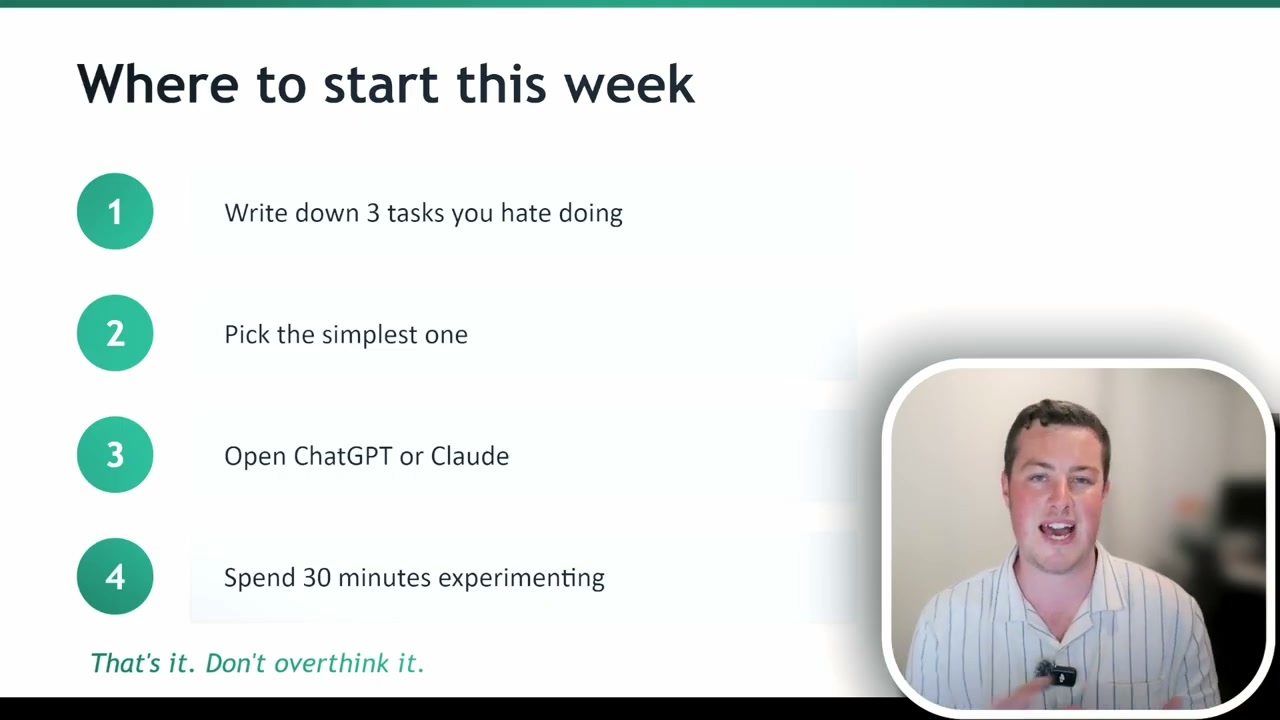
Here’s what I want you to do:
- Step 1: Write down three tasks you absolutely hate doing - the admin, the tedious, the repetitive work where you’re not adding real human value.
- Step 2: Pick the simplest one from your list.
- Step 3: Make sure you have a paid chatbot subscription, then go in and describe your problem. Provide all the context and background information, and ask how you could solve it using AI.
You’ll be surprised by the options it provides - and it can walk you through exactly how to set things up for your business. Don’t overthink it. Just get in there, start playing with the tools, and learn by doing. If you’d rather work through it with a trainer, AI Foundations for Business Owners is a plain-language half day that covers what AI can and can’t do, how to use it safely, and finishes with a prioritised adoption plan for your own business.
I’ve helped over 25 businesses with AI implementation across New Zealand and Australia. If you’d like to book a free discovery call, click the link below. And if you’re an individual or student looking to upskill, I’d love to connect with you too.