I spend $690 a month on AI tools. For some, that sounds excessive. For a business owner, it's leverage. One tool alone costs $200 a month, and it's the reason I finally cancelled my ChatGPT subscription after two full years.
In this post, I break down every single tool in my stack, the ROI on my business (and personal life), and a 4-step framework you can use to build your own stack without falling for shiny object syndrome.
The Daily Driver: Cursor
Cost: ~$106/month + usage
Cursor is my most used tool and a non-negotiable for coding. It's a VS Code fork with an embedded chat that edits code in real time. I use Gemini for UI design and GPT-4o for backend logic, swapping models as needed.
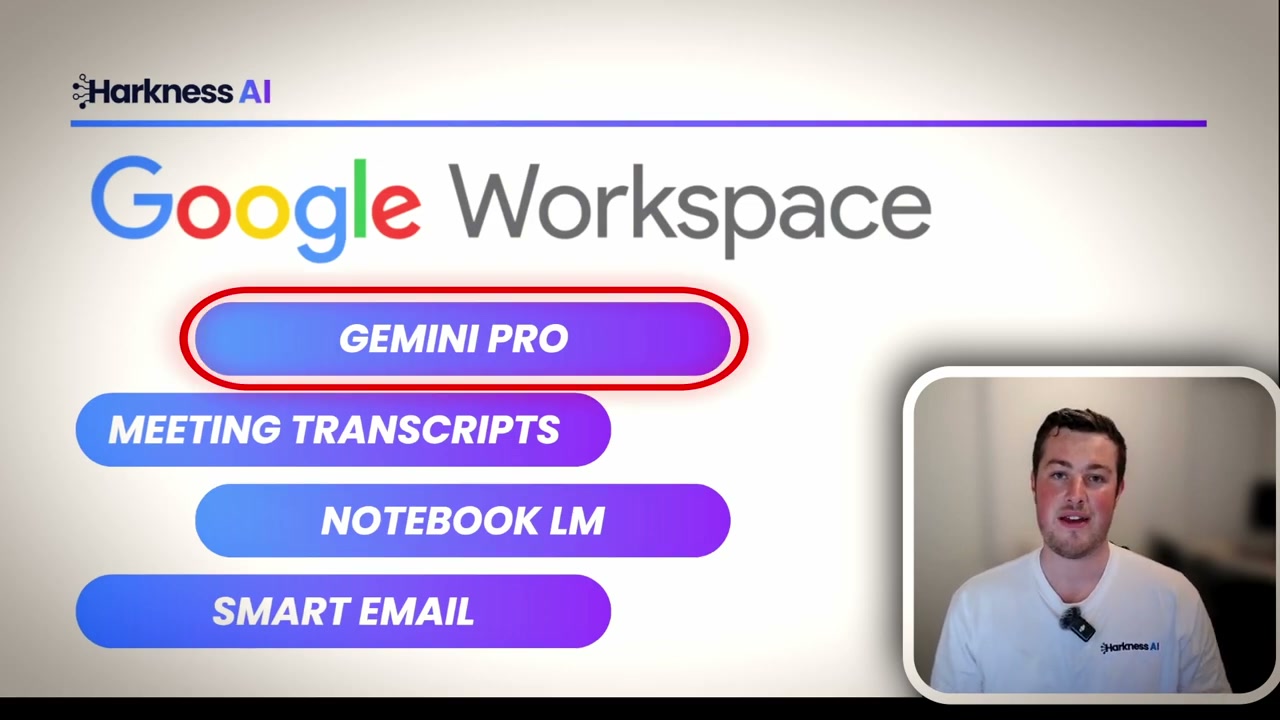
Best Bang for Buck: Google Workspace
Cost: ~$30/month
- Gemini Pro integrated across the suite
- Google Meet transcripts with summaries straight to Drive
- NotebookLM for flashcards, reports, and even audio podcasts from docs
- Smart email drafting and priority inbox in Gmail
The Heavy Hitter: Claude at $200/Month

Claude replaced ChatGPT for me. It's my hub for personal automation, content, and complex reasoning. Four reasons:
- Claude Skills: Markdown "skills" keep reusable system instructions without copy/paste.
- Native MCP connections: Directly acts in tools (e.g., draft and send invoices in Xero, search Gmail) instead of copy-paste.
- Claude Code: Great for big architecture passes; I still use Cursor for tight edits.
- Artifacts: Render code, mini-apps, and sites inside chat when you don't want to deploy.
The Core Support Stack
- Notion ($41.87/mo): Everything management - proposals, content calendar, scripts - with AI assists.
- Make ($27.91/mo): Automation glue; aligns with what most Kiwi clients already use.
- Canva ($20/mo): Design, decks, carousels; fast branded outputs.
Development Infrastructure
- Supabase ($131/mo): Backend DB + auth (Google/Microsoft logins).
- Vercel ($106/mo): Web deploys for projects.
The Math: Does $690/Month Make Sense?
If I bill $100/hour and save ~3 hours/day: 90 hours/month → $9,000 value. Even at $50/hour, that's $4,500 saved. Subtract $690 and it's still strongly net positive. It's not an expense; it's buying back time.
How to Build Your Own Stack (4-Step Guide)
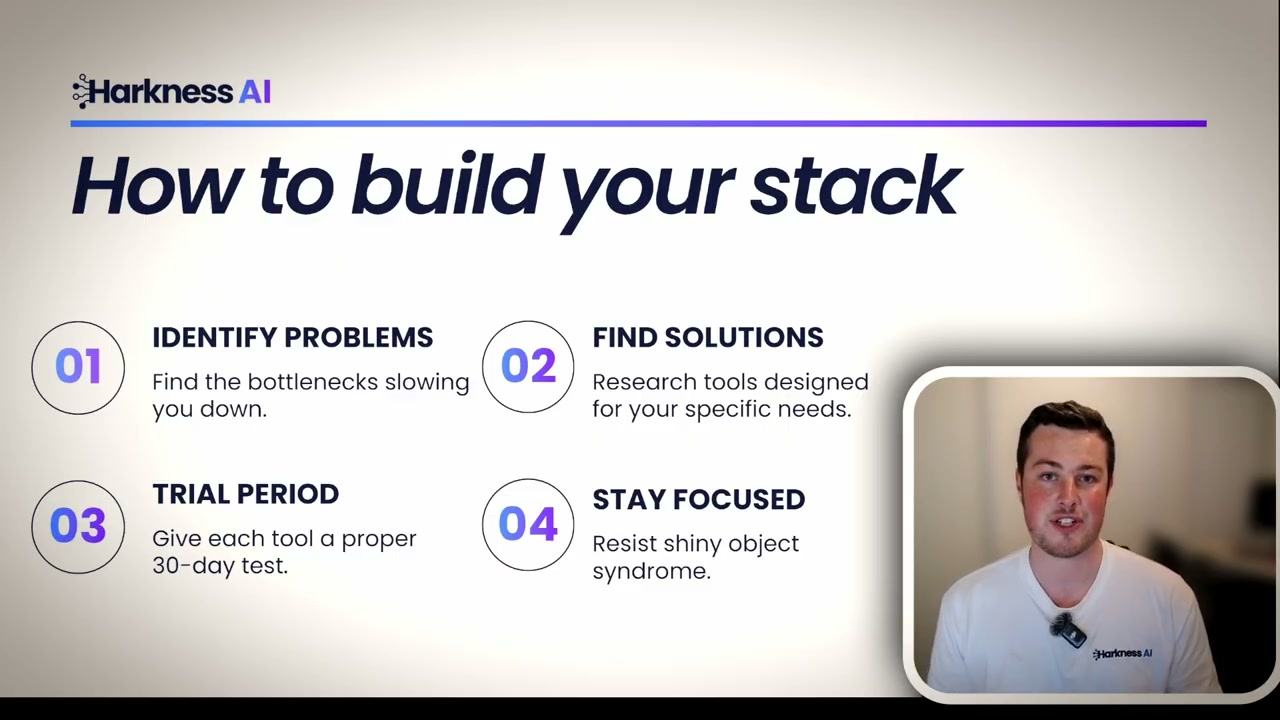
- Identify problems first: Find the bottlenecks before picking tools.
- Find specific solutions: Best-in-class per bottleneck, not one "magic" tool.
- 30-day trial: Commit to configuring and learning; don't judge in 2 days.
- Avoid shiny object syndrome: Once it works, stop shopping and execute.
Ready to work smarter? Here’s how I help businesses across New Zealand implement these workflows and stacks.