What if you could tell AI to clone your GitHub repo, run the code, find and fix any bugs, and generate summaries for readme documents and other usage guides - all from plain English? OpenAI’s new Codex AI agent makes that completely possible.
It can browse your files, understand your repo, and take real coding actions on its virtual computer. I’ve been testing it from New Zealand and I’ll demo how it works, show it navigating a real repository, and explore how this could change the future of how we all interact with codebases.
Getting Started with Codex
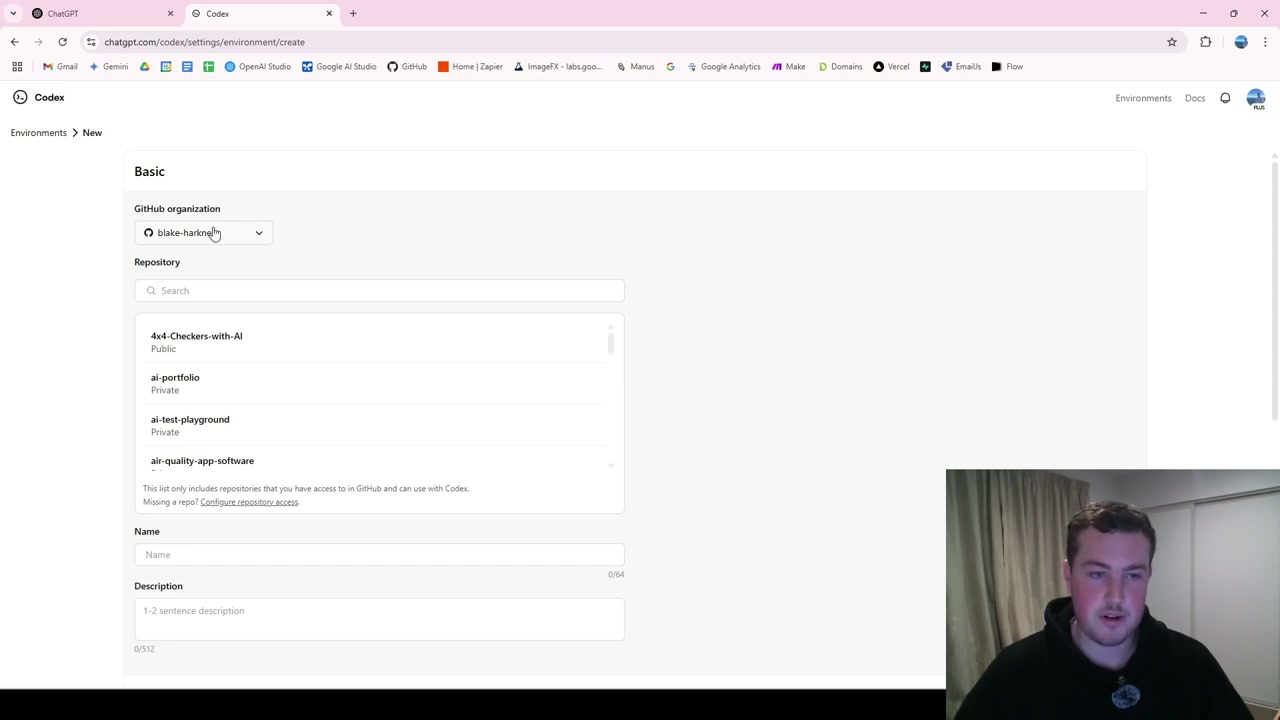
Head over to chatgpt.com/codex, which is OpenAI’s dedicated tool for this. You’ll see a familiar window similar to ChatGPT with a “What are we coding next?” prompt field.
To get started, you need to select an environment. You’ll need to be signed into your GitHub account to access your repositories. Go to “Manage Environment,” then “Create Environment,” and it will list your GitHub organisations and repositories.
For this demo, I used a 4x4 checkers with AI project - a C++ university project I hadn’t touched in two or three years. You can also add environment variables, secrets, and setup scripts as needed.
Choosing Branches and Running Multiple Versions
One great feature is being able to choose which branch you’re working on. If you’re collaboratively working on projects with multiple branches, you can point Codex to specific ones.
You can also run multiple versions per task. If you ask it to summarise something, you can run it four different times and choose the best result moving forward.
Summarising a Codebase
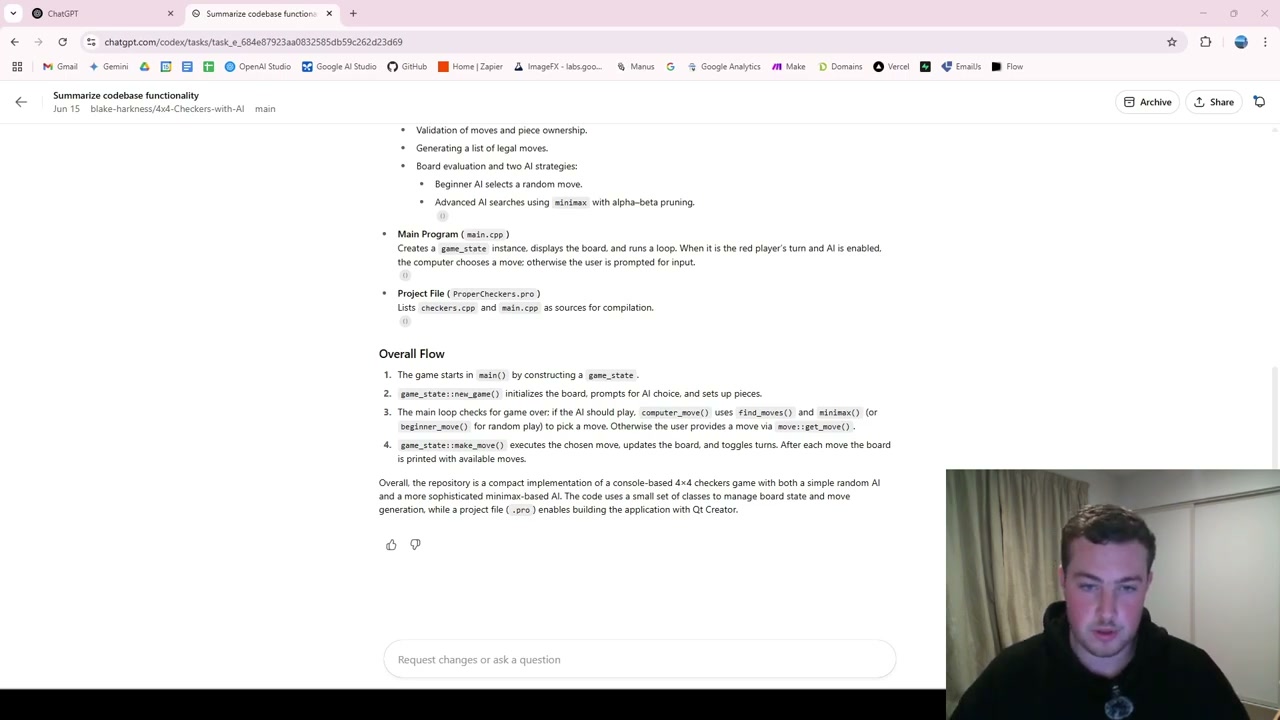
The first task I ran was “Summarise the codebase - provide me information of what the repo is and how everything works together.” Using “Ask Mode,” Codex generated a full document outlining the entire repository in about a minute and 20 seconds.
The output covered everything: QT Creator setup, hardware-orientated programming details, the checkers header file, position and move structs, game state, and the minimax-based AI algorithm. Everything looked correct.
The real use case here is onboarding. If you’re starting work in a repository you’ve never seen before, you can simply ask Codex for a high-level summary and it will help you learn and understand what’s going on - removing the need to manually read through all of the code.
Finding and Fixing Bugs
Simultaneously, I ran a second task: “Find me bugs in the code and fix them.” Using “Code Mode,” Codex identified and resolved several issues:
- Updated an included directive in checkers.cpp
- Cleaned up main.cpp with safer and more efficient code
- Removed an unnecessary class declaration for the move struct
The output looks like a pull request, and you can create one directly from Codex. It hooks straight into GitHub, so you can review and merge changes right away.
Codex vs Cursor
Codex is a good tool with great features for hooking directly into GitHub, especially if you’re just getting started or want something lightweight to test and play around with. Doing it all through a browser is really useful.
However, for day-to-day workflows and full coding projects, tools like Cursor still offer a more seamless experience - particularly with MCP connections to GitHub, Supabase, Google Drive, and more. That integration makes it faster to build full-stack web applications. I expect Codex will eventually catch up on that front.
Final Thoughts
OpenAI Codex is an impressive AI agent for code-related tasks. Whether you need a quick codebase summary, automated bug fixes, or documentation generation, it handles these from plain English prompts. As AI coding tools continue to improve, the barrier to working with unfamiliar codebases keeps getting lower.