An AI brain for Nicholas Petrie
Built around how he actually works. It now handles a chunk of his day-to-day admin and gathers research across his notes for his writing and coaching.
When you are the whole business, the admin lands on your evenings. Claude can take a real share of it - quotes, invoices, email, receipts and the posts you never get round to - without a developer, a big budget or another app to learn.
For NZ sole traders and one-person businesses who do their own admin.
Take the admin off your plate so more of your week goes on paid work. For a one-person business that usually means drafting quotes and invoices, replying to enquiries, sorting receipts for GST, keeping your calendar straight and turning finished jobs into posts. AI drafts, you check and send.
For most sole traders the right starting point is Claude Pro - US$20 a month, about NZ$35 before GST - connected to your email, your calendar and Xero, with a few saved Skills for the jobs you do every week. That is Claude for small business in practice: one AI that knows your work, not five apps.
The jobs one-person businesses actually hand over first. Nothing here needs you to write code.
Claude drafts a quote from your price list and the last few quotes you sent for similar jobs, in your wording. You check the numbers and send it. A quote that used to be a blank page becomes a two-minute review.
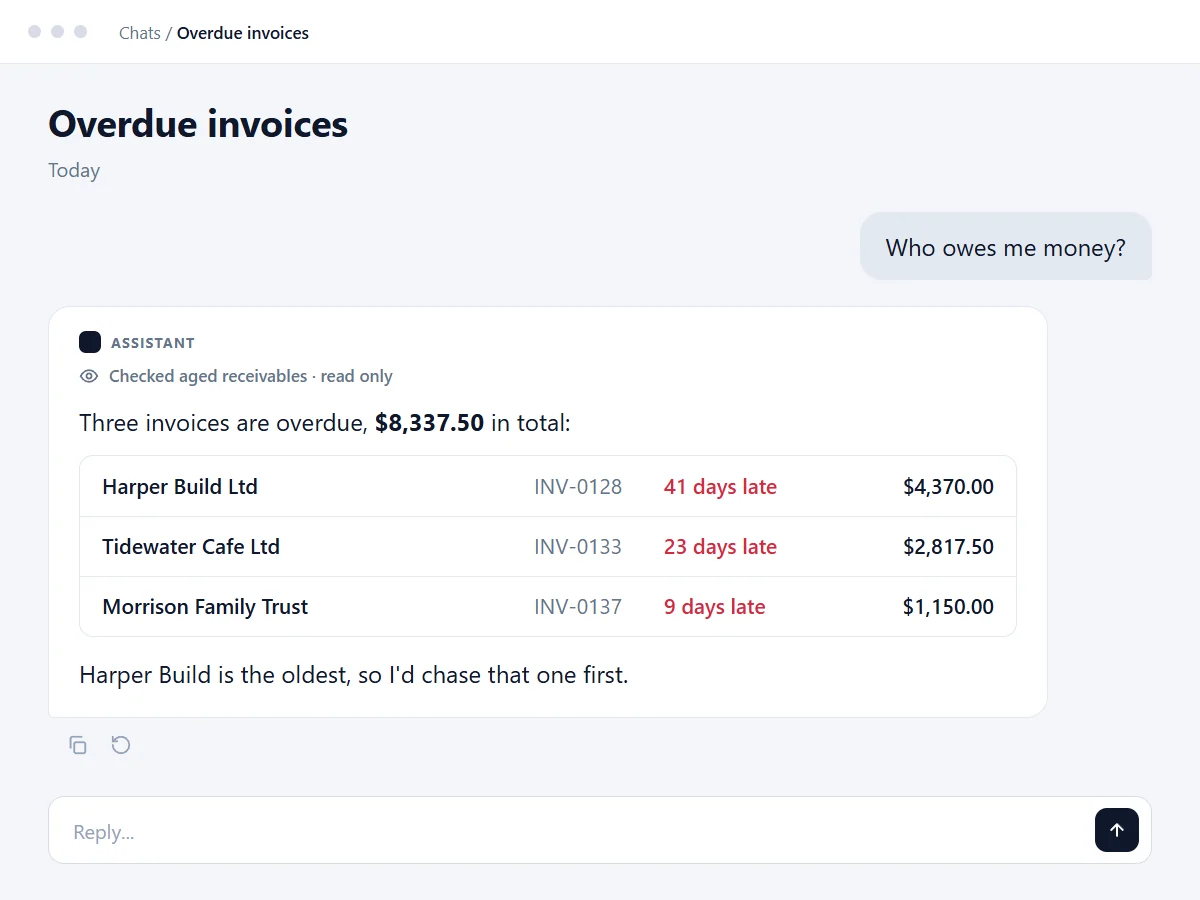
Connected to Xero, Claude can tell you who owes you money, how the month is tracking and what is overdue, then draft the reminder email. Xero's official Claude connector is free and read-only; if you want Claude to create invoices too, that takes a write connection with you approving each one.
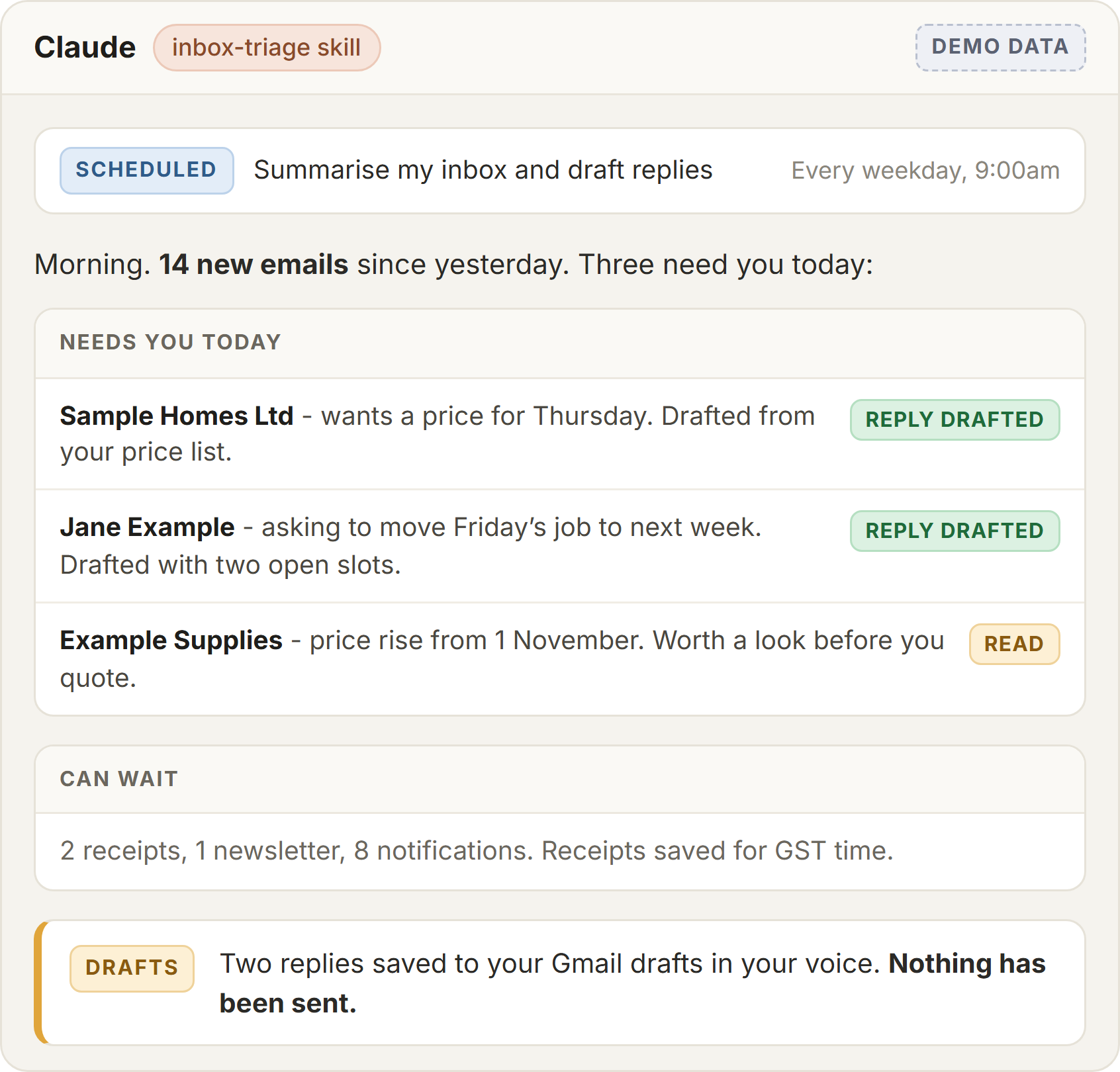
Claude reads your inbox, sorts what needs you today and drafts replies in your voice, using what it knows about your prices, availability and past conversations. Nothing sends until you have read it.
Drop in a pile of receipt photos and Claude pulls out the supplier, date, amount and GST, flags duplicates and anything missing, and gets them into Xero (with a write connection) or a tidy list for your accountant.
With your calendar connected, Claude finds a gap for the job that just came in, drafts the reschedule email when something slips and gives you a plain-English rundown of the week each morning.
Turn a finished job or a customer question into a Facebook or LinkedIn post in your own voice, with the photo caption written. Consistent marketing without sitting down to "do content".
One owner on the road, and the setup we run ourselves.
Nothing in here needs code, and you keep the last word at every step.
A quote that used to be a blank page becomes a two-minute review.
Three of the everyday jobs, shown on a made-up business rather than anyone's real books.
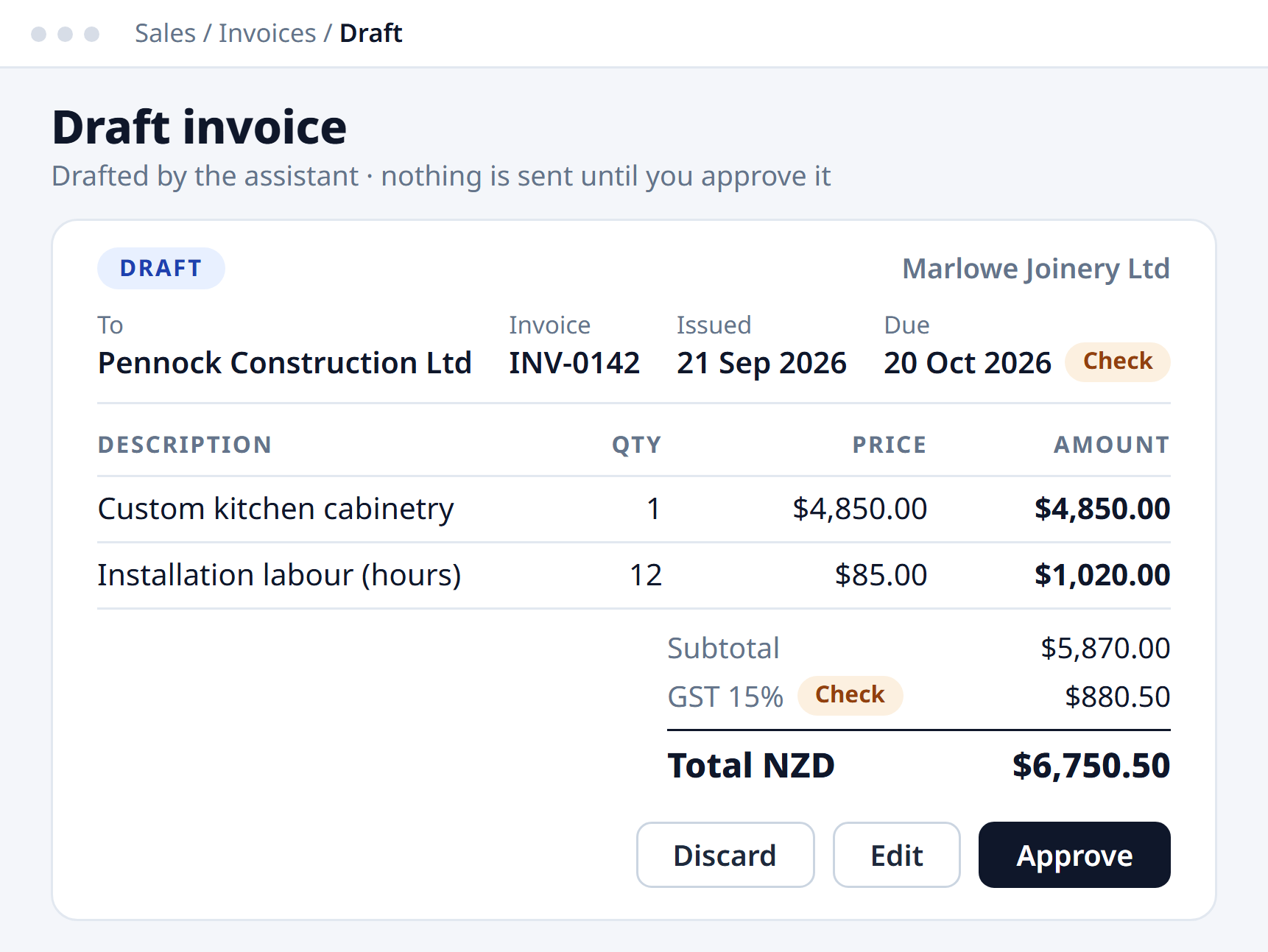
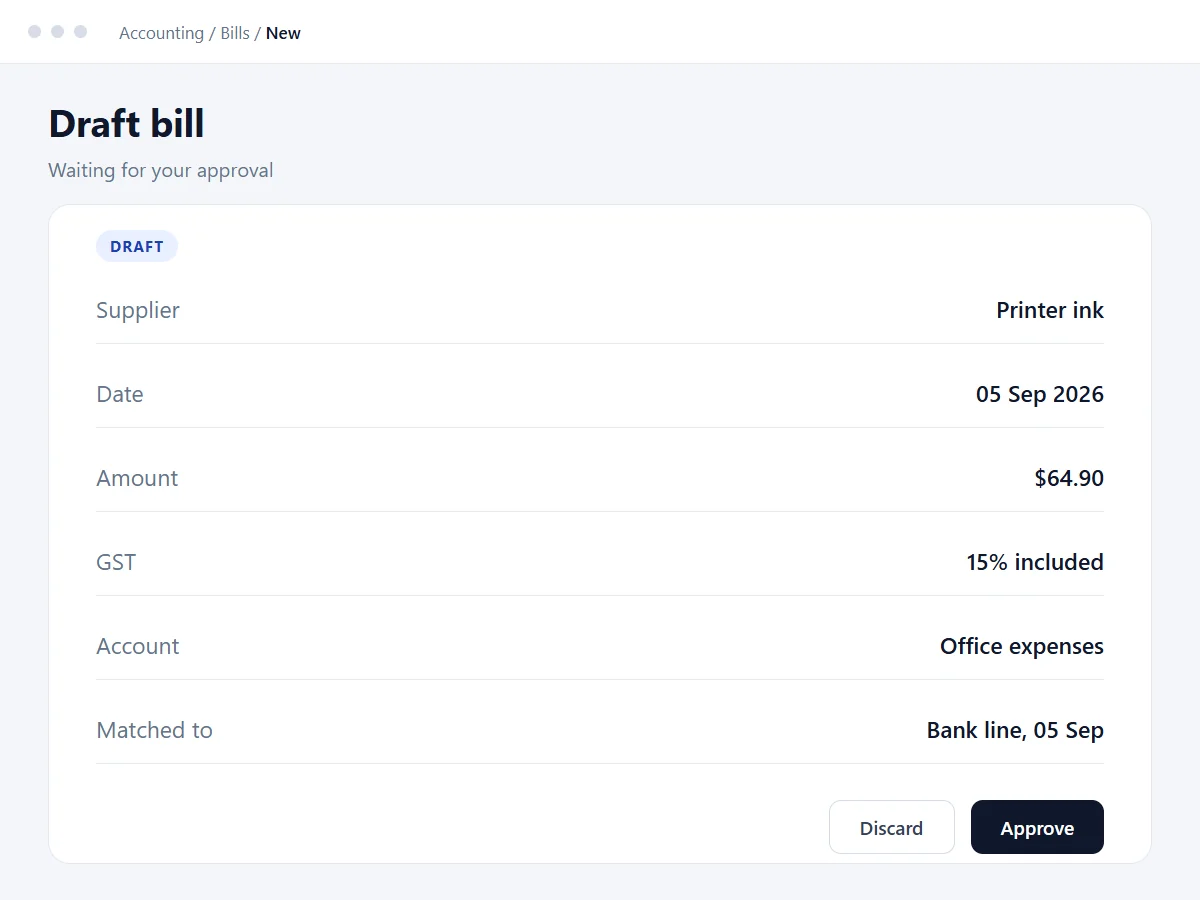
Site Safety's owner hires out temporary fencing from South Auckland to Whangarei. He is on the road most days and the admin waits for him: hire invoices that are last month's with small changes, bookings buried in email, and new leads to research. We set Claude up across six parts of his week and trained him to run it himself.
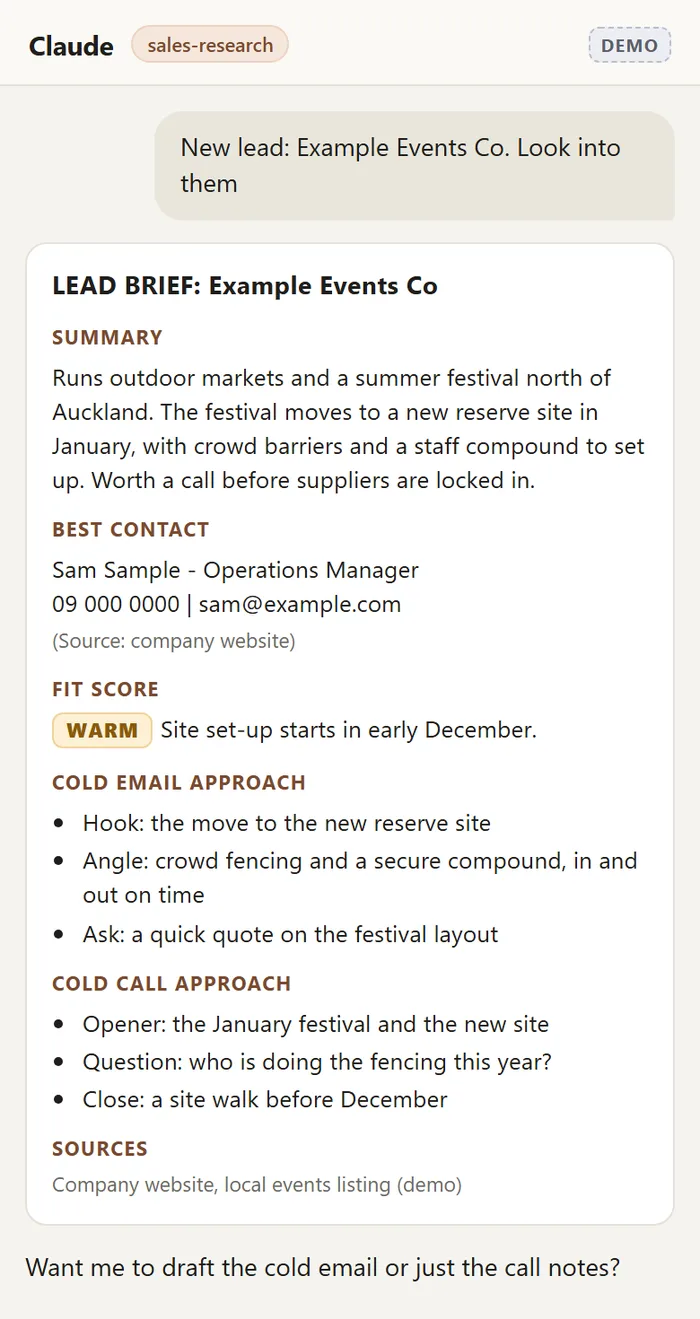
Leads are the one he does standing up. He drops a name into Claude and gets a one-page brief sized for his phone: what they do, the best contact, how warm the lead is, and three talking points each for a cold email and a cold call, with every source listed. He makes the contact himself.
Real engagements, each one owner-run.
Built around how he actually works. It now handles a chunk of his day-to-day admin and gathers research across his notes for his writing and coaching.
Clinton Selby runs two companies. He built his own Claude setup against his real work in one half day, aimed at the repetitive tasks across both.
A small practice set up on Claude with Outlook, calendar and Xero connected, plus saved skills for meeting minutes, reports and policy drafting.
Inbox triage every morning at 9, saved skills in our voice, dictation instead of typing, receipts into Xero and research on every new lead.
Two of those jobs, shown with made-up data.
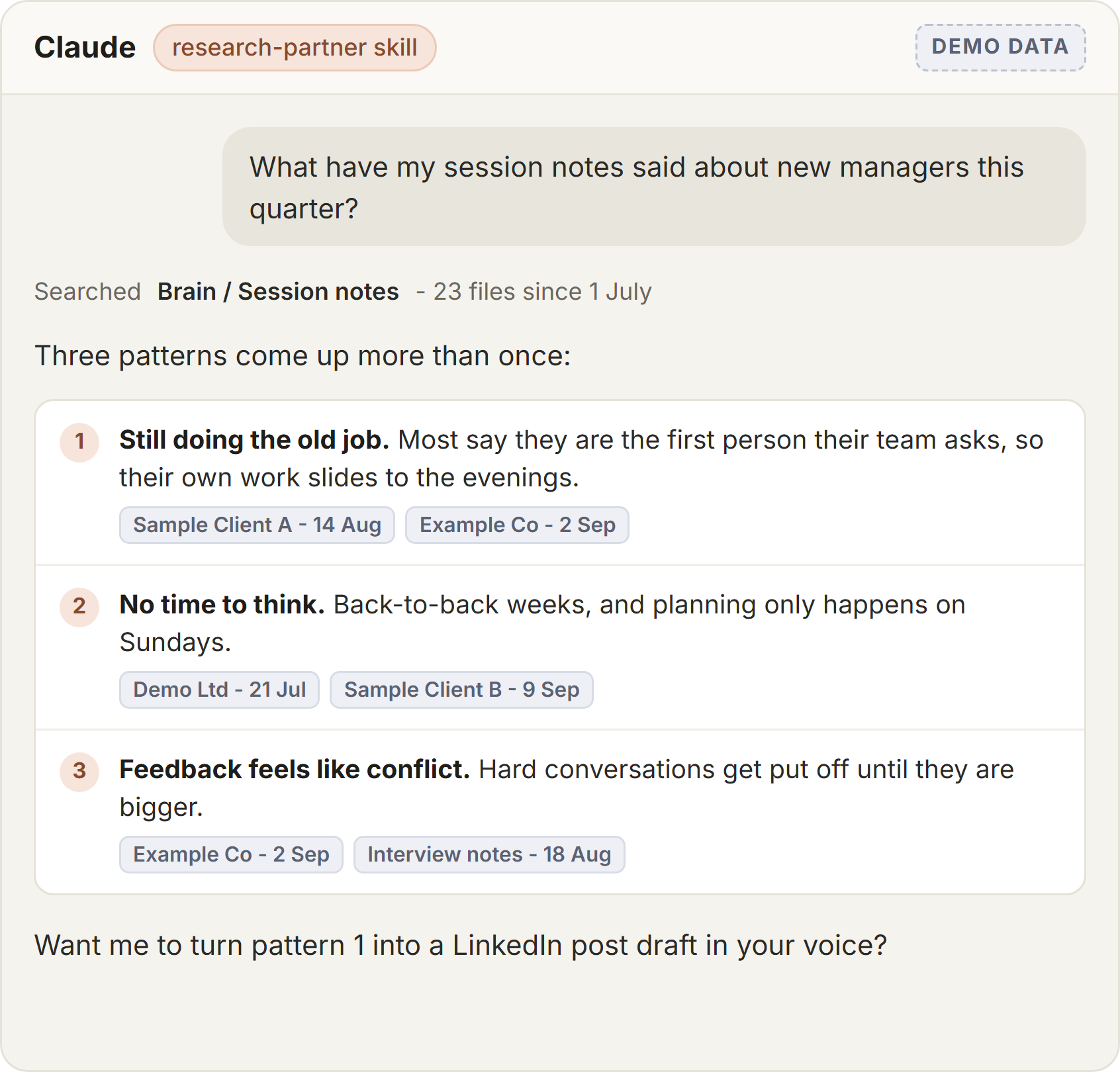
Two people running their own businesses: one built his Claude setup in our half-day workshop, the other had it built for him.

Recently completed a half day course with Blake building my Claude Brain. The course was insightful & practical. Running 2 companies I know this is going to help me claw back some time on a lot of the repetitive tasks. Thank you Blake, excellent value and advice.

Blake built me a custom AI 'brain' that now handles a chunk of my day-to-day admin and research gathering. He took the time to understand how I actually work before building anything, and has been responsive every time I've hit a snag. Great combination of technical skill and genuine patience with a non-technical client. Would recommend him to anyone wanting to put AI to real use in their business. Thanks Blake!
Bring the job that eats the most time. We will tell you straight whether Claude helps.
See the Build Your Claude Brain half dayWorth reading next:
You do not need new software. These are the tools New Zealand sole traders already run, and Claude works alongside them.
Claude has ready-made connectors for Gmail, Google Calendar, Google Drive, Outlook, Notion, Canva and Xero, so most of the connecting is signing in. Where a tool has no connector, there is usually a simple workaround, like a forwarded email or an exported file.
Free to watch, nothing gated. Each one has a written version too.
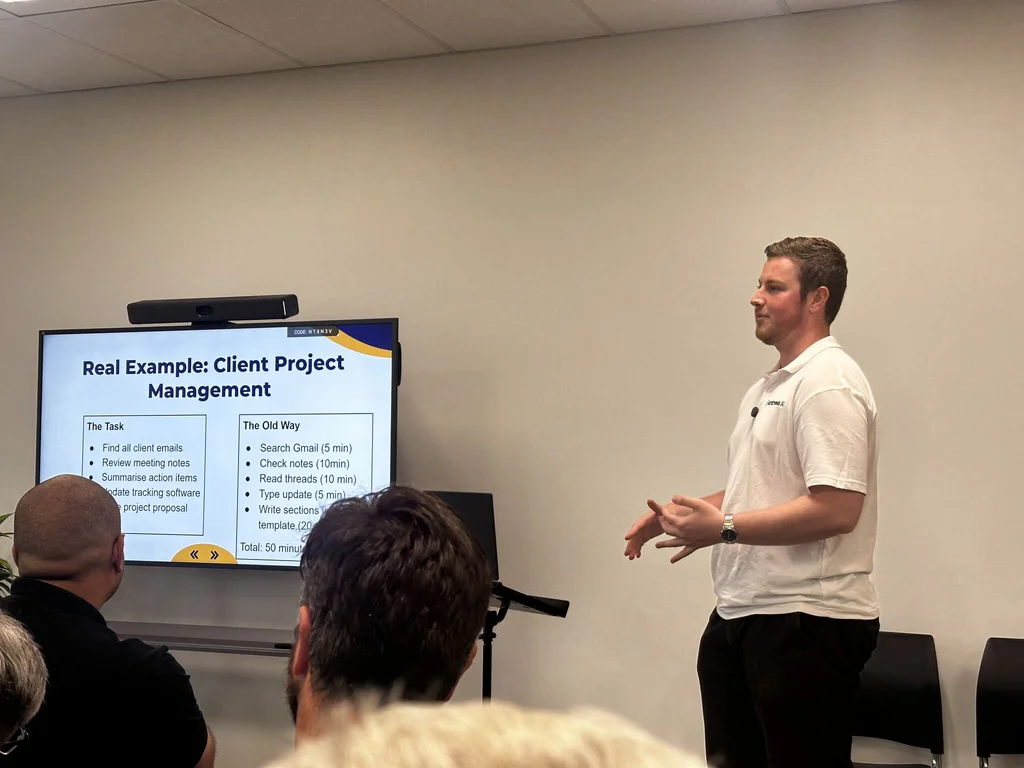
We talk to small-business owners directly, including the Bed and Breakfast Association NZ conference.

Build Your Claude Brain is a hands-on half day where you set Claude up against your own work - connectors, saved Skills and a working automation - and leave running it yourself. No public date is open right now: join the waitlist on the programme page, or ask about running it privately.
Last updated 25 October 2026 - added who it is for, the problem it solves and the results up front