Team AI workshops · On site anywhere in NZ
An AI workshop for your team: what actually happens
A hands-on half day at your workplace. Everyone gets set up, connects AI to the tools you already use, and builds on their own work. Here is the day, hour by hour.
In short
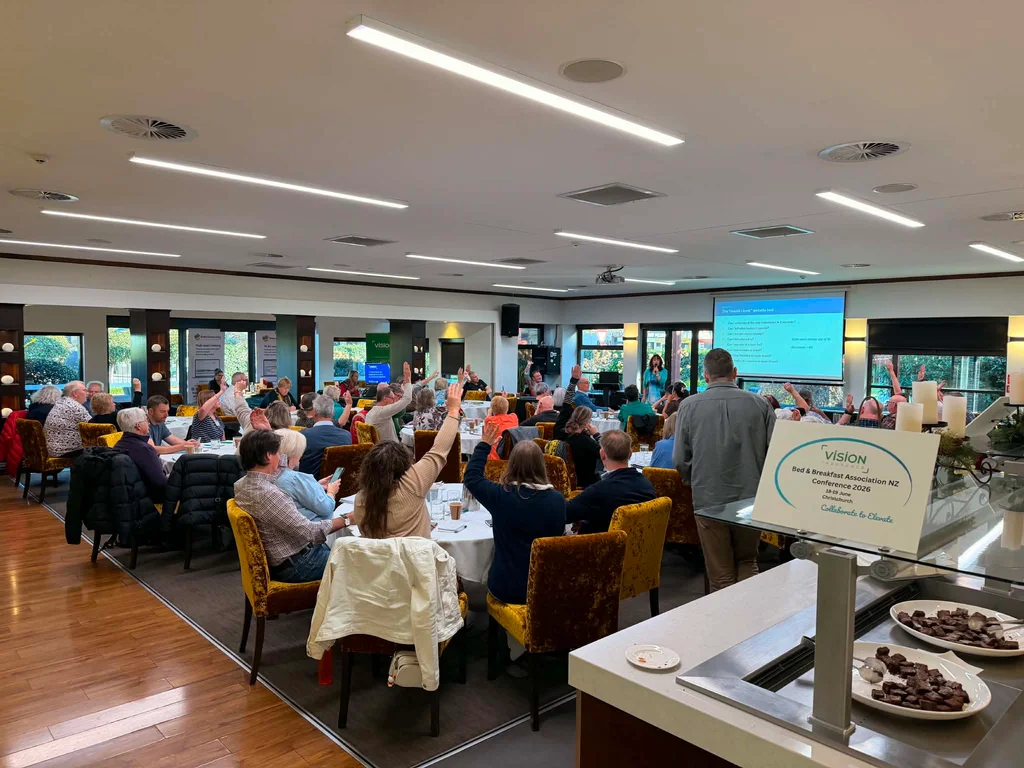
A hands-on half day at your workplace, anywhere in New Zealand, for 3 to 20 people. Everyone gets their own AI account set up, connects it to the tools you already use and builds one or two workflows on their real work.
- Length
- Half day, about 4 hours
- Group
- 3 to 20 people
- Afterwards
- A written AI use policy
- Where
- Your workplace, NZ-wide
Hour by hour
A typical half day, 9am to 1pm
Times move to suit your site - some teams start at 8:30. The shape stays the same: a short shared start, then most of the morning building.
- Week before
Scoping call and set-up
A 30-minute call to learn how your team works, licences sorted, and one question for each person: what eats your week? Accounts are checked before the day so the session is spent building.
- 9:00
What AI is good and bad at
Plain-English foundations for the whole team, then a live demo on examples from your own business. Everyone starts from the same place, keen or sceptical.
- 9:45
Everyone set up and connected
Each person on their own account with the right privacy settings, connected to the email, calendar and files your business already runs on.
- 10:30
Morning tea
Ten minutes. People usually keep building through it.
- 10:45
Map the jobs, role by role
Small groups by role list the tasks they repeat every week, then each person picks one or two to build first.
- 11:15
Build on real work
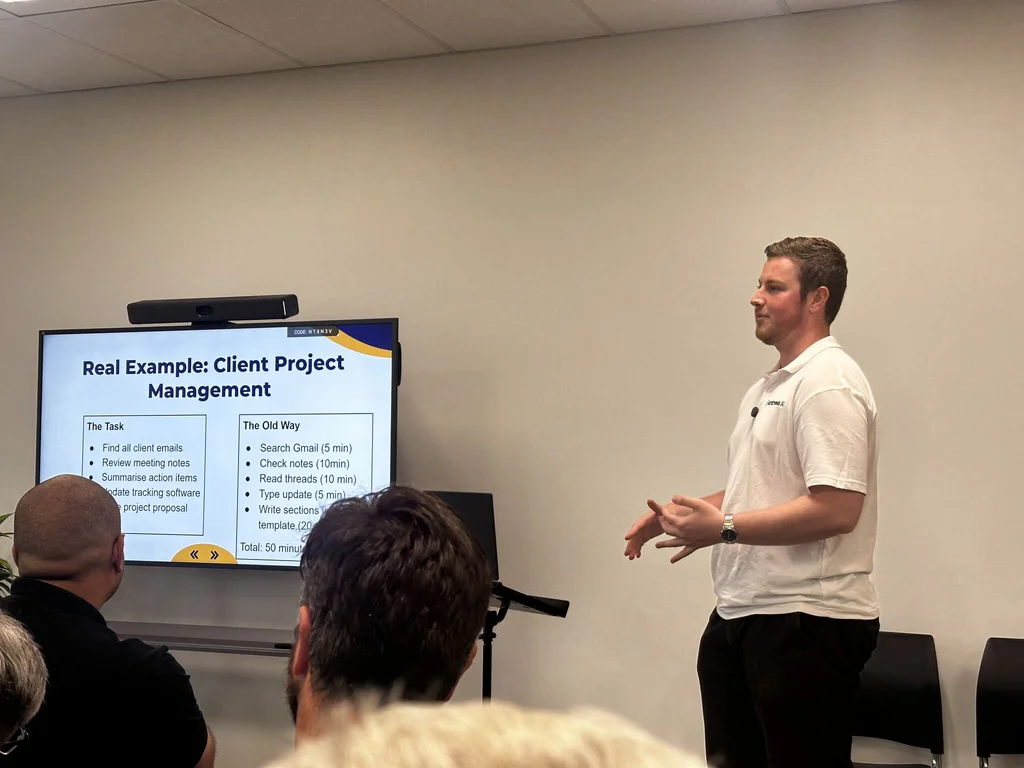
The core of the day. Everyone builds against their own emails, documents and spreadsheets while Blake moves around the room to unblock and extend.
- 12:30
Show and tell, rules, next steps
Each person shows what they built. The team agrees its safe-use rules, names an internal champion and leaves with a prioritised list of what to build next.
- After
The follow-up
The agreed rules come back written up as a short AI use policy, with the build list. Optional follow-up rounds go deeper on specific roles.
Who it suits
Built for teams, not one keen person
A good fit
- Teams of 3 to 20 in any industry - office, trades, professional services, operations
- Mixed rooms, from daily AI users to the openly unconvinced
- Leadership teams who want to lead adoption, not hand it off
- Businesses on Claude Team or ChatGPT Business, or about to buy seats
Probably not the right thing
- You want it set up and running for you, not taught - that is a done-for-you setup
- A keynote for a conference room of hundreds - that is a talk
- Self-paced e-learning modules with completion records for a large workforce
What people leave with
Working tools, not a folder of notes
- Their own AI account, set up with the right privacy settings
- AI connected to the tools you already run - email, calendar, files, and systems like Microsoft 365 or Xero
- One or two working workflows each, built on their own tasks
- An agreed AI use policy, written up after the day
- An internal champion and a prioritised list of what to build next
At the July 2026 public workshop, all five attendees left running their own setup with an automation they built themselves.
On site anywhere in NZ
Where team sessions have run
We come to you. Recent workshops we can name - part of 50+ New Zealand businesses Harkness AI has worked with.
Maugers Contracting

Captivate Technology
Trap and Trigger
Cohesive

IGP

2Secure Security

Land Owner Rights

Moko Consultancy
ALT.
Past workshops
What came out of recent sessions
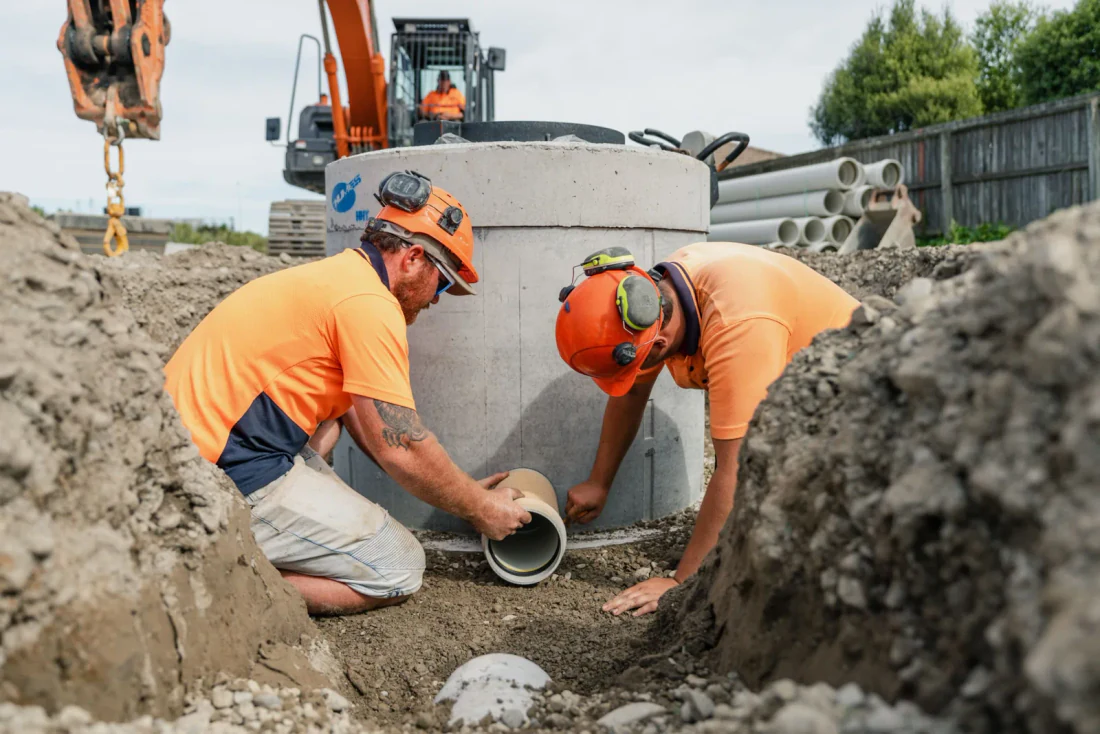
Maugers Contracting
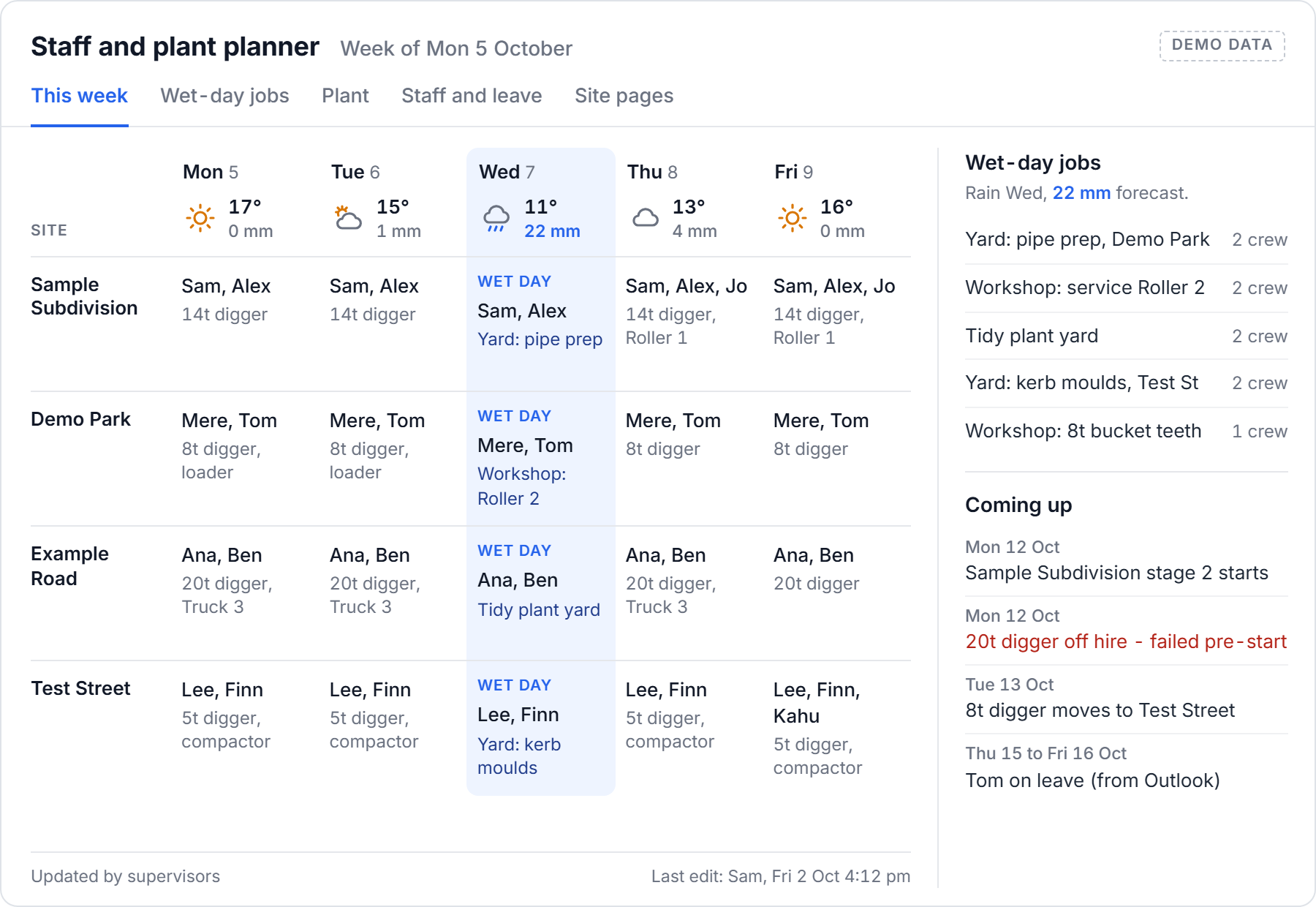
About ten managers and supervisors at a civil contractor built a live staff and plant planner, construction programmes, timesheet checks and compliance checks on their own work.
Read the case studyTrap and Trigger
A conservation contractor trained on Claude at their own office, laptops open on real work. They went on to connect it to Gmail, Drive, Site App Pro and PayHero.
Read the case study
Build Your Claude Brain at Powerhouse
Eight seats, five owners and professionals. Every attendee left running their own setup with an automation they built themselves.
See the programmeWhat teams said afterwards
We brought Blake in to run an AI workshop for our team, and it was excellent. He struck a great balance between explaining concepts clearly and keeping things practical, encouraged questions and made the whole session feel very engaging. Highly recommend if you're looking to upskill your team on AI in a way that actually sticks.
Blake ran a couple of sessions for my team. He was fantastic; he made it really simple for the whole team to understand, regardless of their previous AI experience.
Blake has become our go-to for everything AI in our business - from setting up Claude and training our team, to building integrations like our PayHero setup that we had struggled with ourselves. He is a genuine sounding board, hits his timelines, and hands over tools that work with clear instructions. We would happily recommend Blake and Harkness AI to any business looking to get real value out of AI.

Recently completed a half day course with Blake building my Claude Brain. The course was insightful & practical. Running 2 companies I know this is going to help me claw back some time on a lot of the repetitive tasks. Thank you Blake, excellent value and advice.

Team AI workshops, answered
Can the workshop be built around our business?
Yes, that is the point of it. After a scoping call we shape the session around your own tools and tasks, so people build on real work rather than generic demos. Recent teams include Maugers Contracting, Trap and Trigger, Captivate Technology and Cohesive.
Can you run it in person at our workplace?
Yes, anywhere in New Zealand. Recent on-site sessions ran in Christchurch, Upper Hutt and Palmerston North, and public sessions have run at Powerhouse in Christchurch. Teams spread across the country can do the same session live online.
Do you run workshops for leadership teams?
Yes, as well as whole teams - including a Claude workshop for the IGP leadership team in Christchurch. Leaders build their own setup in the room, so they can lead adoption rather than delegate it.
How long is a team AI workshop?
Most run as a half day, about four hours, for example 9am to 1pm. A full day suits teams that can step out together, and two or three shorter rounds spaced a week apart suit busier teams - Maugers Contracting did three half-day sessions a week apart.
Is the workshop on Claude or ChatGPT?
Whichever your team pays for. Most teams in 2026 chose Claude, because it connects to Xero, Microsoft 365 and their own systems. Harkness AI is also an OpenAI Select Partner and runs the same format on ChatGPT Business and Enterprise.
Our team is mixed - some keen, some sceptical. Does that work?
That is the normal room. The first hour gets everyone to the same starting point in plain language, and the build time lets each person work on their own role at their own pace with help beside them.
What happens after the workshop?
Your team gets the agreed rules written up as a short AI use policy, plus the prioritised build list. Some teams book follow-up rounds for specific roles, and some go on to connect more of their systems - Trap and Trigger added PayHero and Site App Pro after their workshop.
How much does a team workshop cost?
It depends on team size, format and travel. We quote a fixed price in writing after a free 30-minute call, before anything is booked. AI licences are paid to the provider separately, on whichever plan your team chooses.
Plan a workshop for your team
Tell us how many people, what they do and which AI tools you use now. You will get a time for a free 30-minute call to shape the day.
- Blake reads every enquiry himself and replies within 24 hours
- A free 30-minute call to shape the session around your team
- Every session is quoted after that call, in writing, before anything is booked
Rather talk? Call 027 518 3692.
Last updated 6 October 2026