What if you could create advertising videos without a camera, a crew, or even any editing software? Simply upload your product photo, type in what you’d like, and it appears for you. Google’s Veo 2 model is available completely free inside Google AI Studio, and it’s changing the video creation game. This is especially useful for NZ small businesses that don’t have the budget for professional video production.
Getting Started with Veo 2
Head over to Google AI Studio - all you need is a free Google account. Once inside, navigate to the video generation section in the left tab. You’ll see example prompts, including one that converts a perfume bottle photo into a video with someone handling it while the camera moves around.
Creating a Video from Scratch
To create a video from scratch, describe what you want - for example, “a dog walking slowly on the beach.” You can configure:
- Model: Currently Veo 2 is available
- Number of results: One or two videos per prompt
- Aspect ratio: Horizontal for YouTube or vertical for TikTok and Shorts
- Duration: 5 to 8 seconds
- Negative prompt: Exclude elements you don’t want, like camera movement
The generation took about 40 seconds and produced a video with no telltale signs of being AI generated.
Product Video Creation
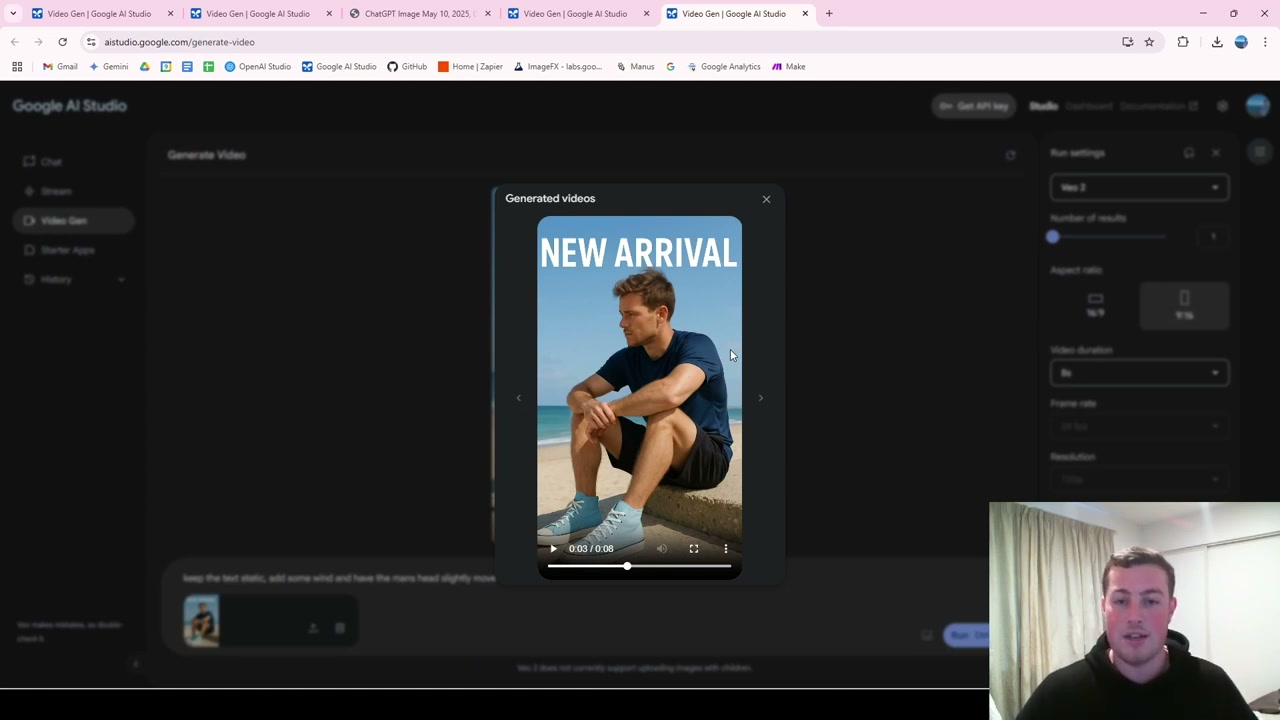
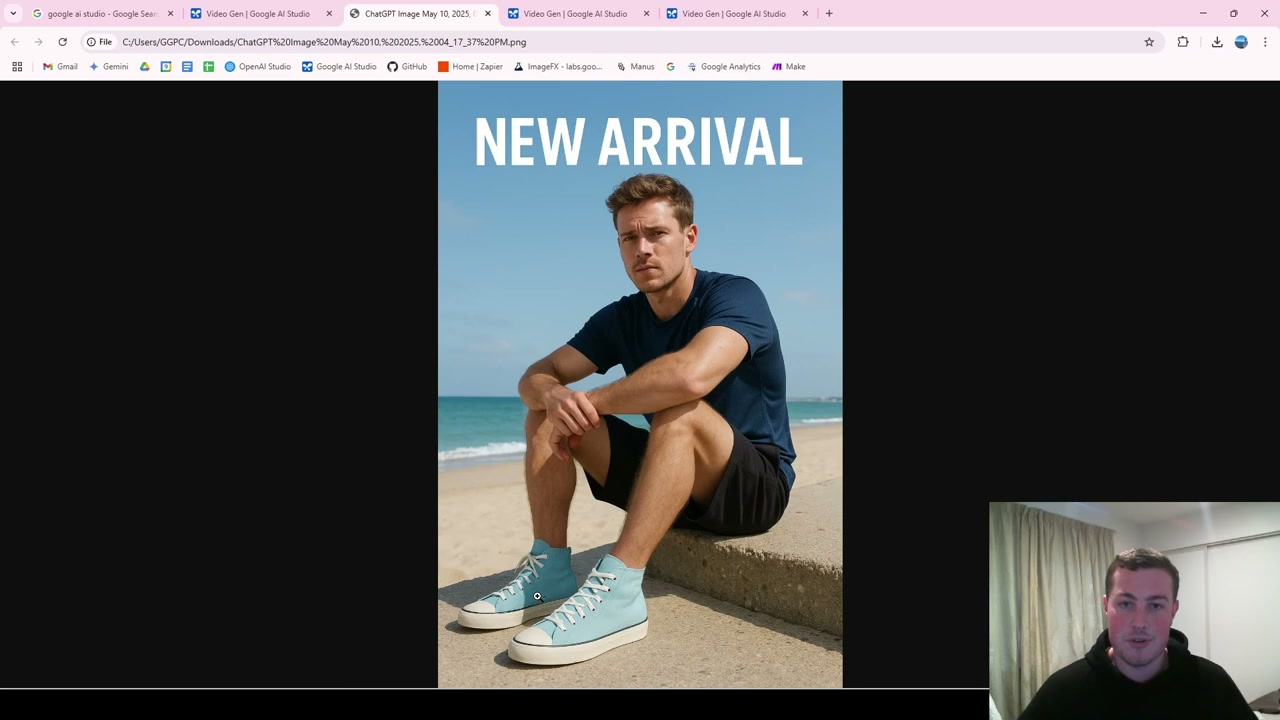
For product videos, upload your product image and add a descriptive prompt. I used an AI-generated photo of a man wearing blue shoes and prompted it to keep the text static, add some wind, and have the man’s head slightly move.
The result showed crashing waves in the background, the man turning away with wind in his hair - all realistic and ready to stitch together with other video segments for a full ad.
Why Veo 2 Matters
This is a free alternative to paid tools like Sora and Runway. You can experiment with different images, test different prompts, and get professional-quality outputs to download - all without spending a cent.
Final Thoughts
Veo 2 in Google AI Studio is a powerful free tool for creating basic B-roll, product ads, and marketing content. Whether you’re a filmmaker, marketer, or just curious about what’s possible, it’s worth experimenting with to see how AI video generation can fit into your workflow.