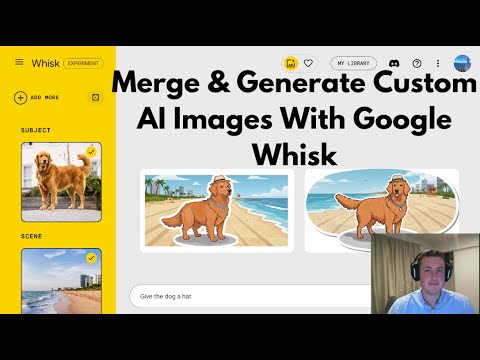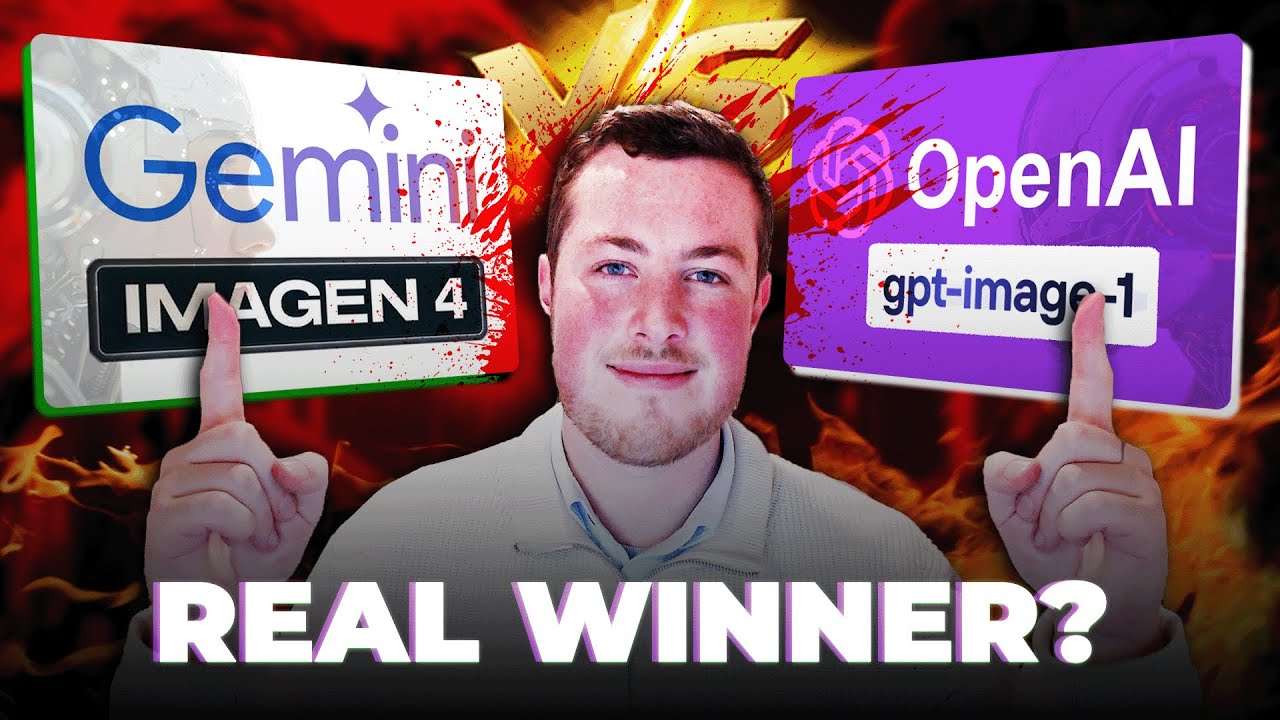
The quickest free way to make a YouTube thumbnail with AI is Google’s ImageFX: sign in with a Google account, paste in a detailed prompt (the trick below is to get ChatGPT or Gemini to write it for you), set a landscape aspect ratio, and pick the best of the four images it returns. ImageFX is better than most image generators at putting readable text in an image, which is exactly where thumbnails usually go wrong. I use it for my own NZ-based YouTube channel.
The typical problem with tools like ChatGPT is getting accurate text in images - letters come out misspelt or blend together. ImageFX handles this much better, and the workflow below gets you a usable thumbnail in a few minutes.
Getting Started with ImageFX
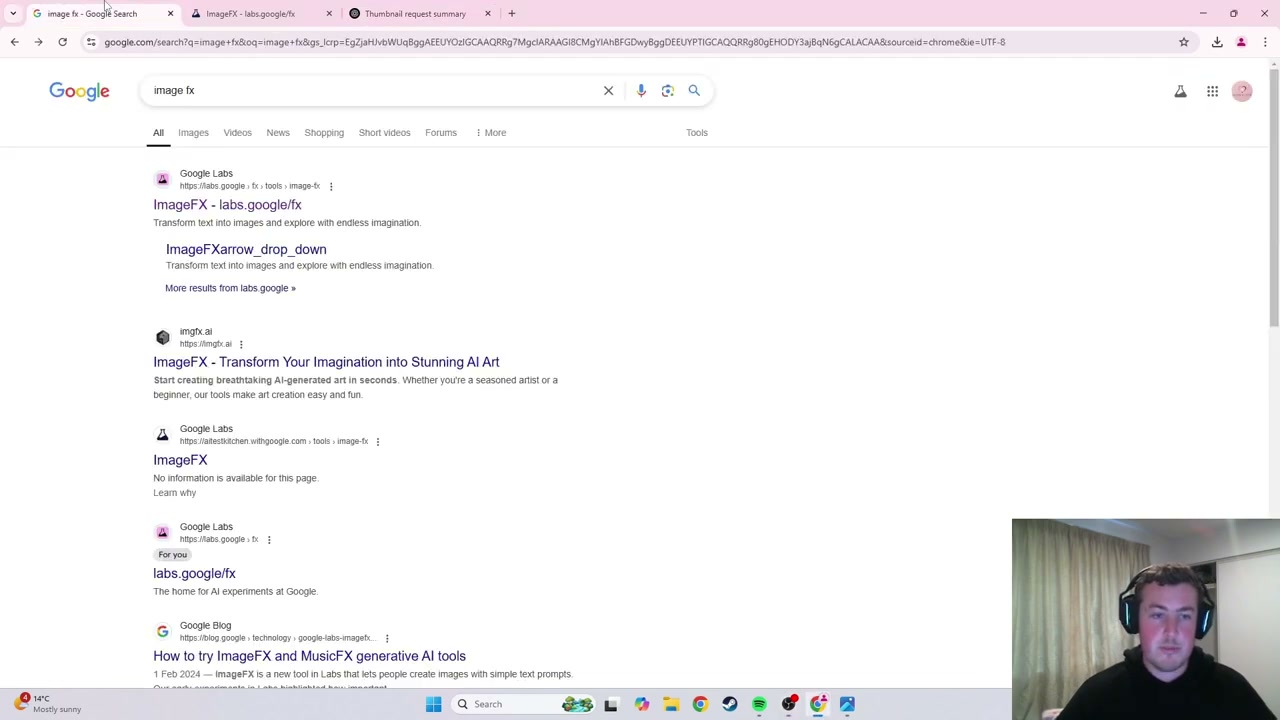
All you need is a Google account. Head to ImageFX from Google Labs, sign in, and you’re ready to go. You can type in your prompt, adjust style settings, and change the aspect ratio. One advantage over ChatGPT is that ImageFX generates four different image options at once.
The Problem with Basic Prompts
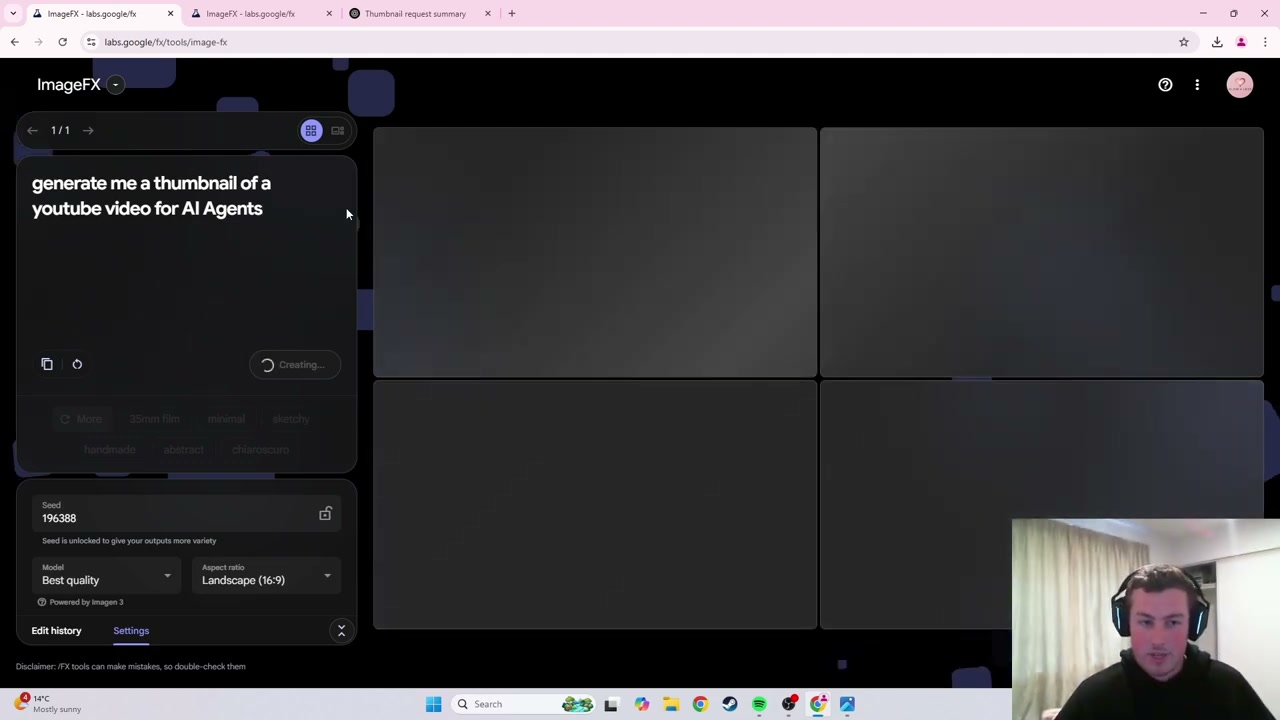
Simple prompts like “generate me a thumbnail for a YouTube video about AI agents” can be hit or miss. The results might include unwanted elements like large play buttons or completely muddled compositions. The quality varies significantly with basic prompts.
The AI-Prompting-AI Trick
Here’s the shortcut: use AI to prompt itself. Ask ChatGPT or Gemini to write a detailed prompt for an image generation tool, specifying that it’s for a YouTube thumbnail about your topic. The AI will provide a detailed prompt with specific visual directions - colour themes, layout descriptions, and style guidance.
Copy and paste that prompt into ImageFX and the results come out significantly better on the first try. The AI-generated prompt provides the level of detail that ImageFX needs to produce professional-looking thumbnails.
Working with Text
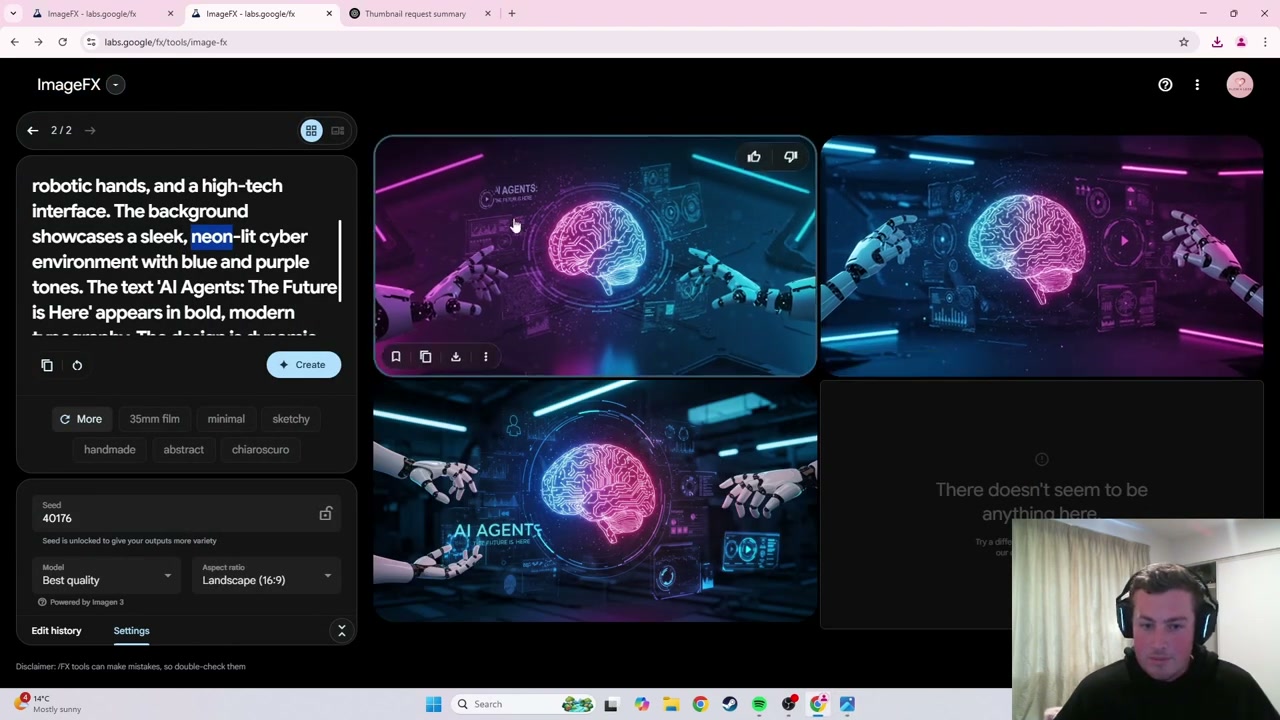
ImageFX handles text much better than most AI image generators, but it can still be inconsistent. A practical workflow is:
- Generate thumbnails without text or with minimal text
- Download the best result
- Add your title text in Canva or another editor where you have full control
This gives you the best of both worlds - AI-generated visuals with manually placed, pixel-perfect text.
Speed and Cost
Each generation took about 2 seconds in my testing, it’s free with a Google account, and you can keep regenerating until you find something you like. For content creators on a budget, this is an incredibly valuable tool.
Step-by-Step: Your First Thumbnail
- Write down the video title and the one idea the thumbnail has to get across.
- Ask ChatGPT or Gemini: “Write a detailed prompt for an AI image generator for a YouTube thumbnail about [topic]. Include colours, layout, lighting and style.”
- Open ImageFX from Google Labs, paste the prompt in and set a landscape (16:9) aspect ratio. YouTube thumbnails display at 16:9, and 1280 x 720 pixels is the recommended size.
- Generate, compare the four options and regenerate until one works. Edit the highlighted words in the prompt to steer it rather than starting again.
- Download the best image. If the text isn’t perfect, generate a version without text and add your title in Canva.
- Check it at phone size before you upload - most YouTube viewing happens on small screens, so keep it to a few large words.
When to Use ImageFX (and When Not To)
ImageFX is ideal for thumbnails, blog headers and social graphics where you need something eye-catching quickly and for free. It’s less suited to images that need to look like a real person or product - for a face-led thumbnail, a real photo of you with AI-generated background elements usually performs better and looks more honest. If you need lots of accurate text, such as an infographic, compare the options in my ChatGPT vs Google Imagen 4 test first.
ImageFX runs on Google’s Imagen models, which you can also use with more controls in Google AI Studio - see my Google AI Studio tour. And if the video itself is a slide-style explainer, Google Vids can create the video presentation from one prompt.
A thumbnail is one job. Where AI fits a New Zealand business is what an AI consultant NZ maps out.